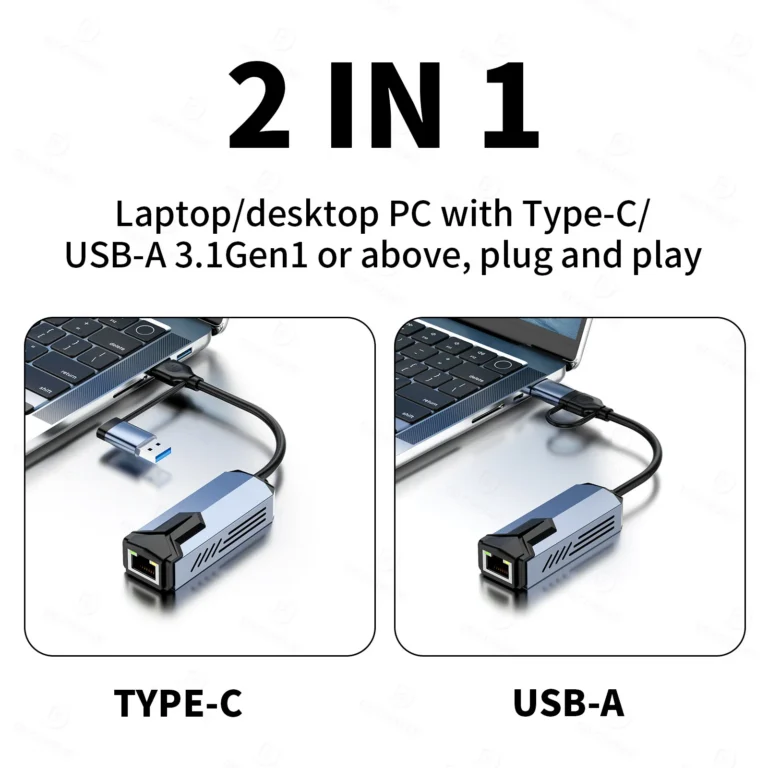
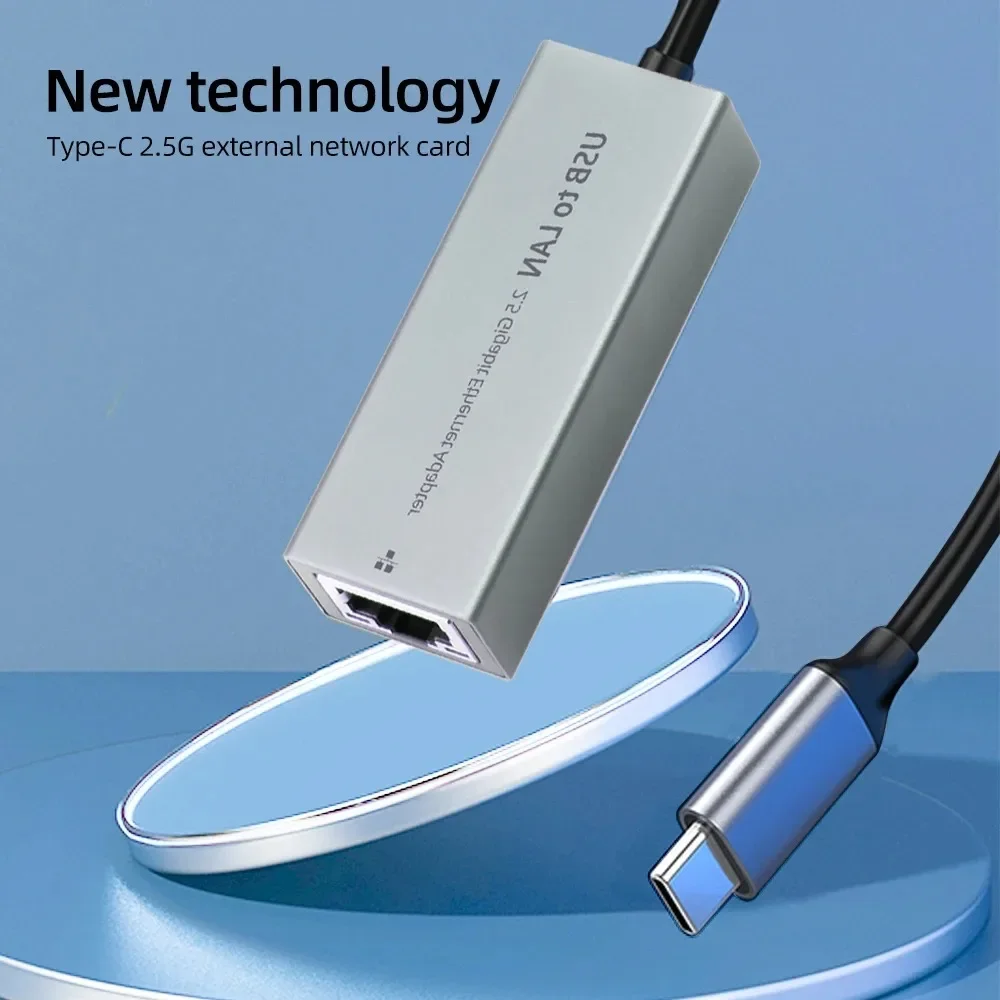
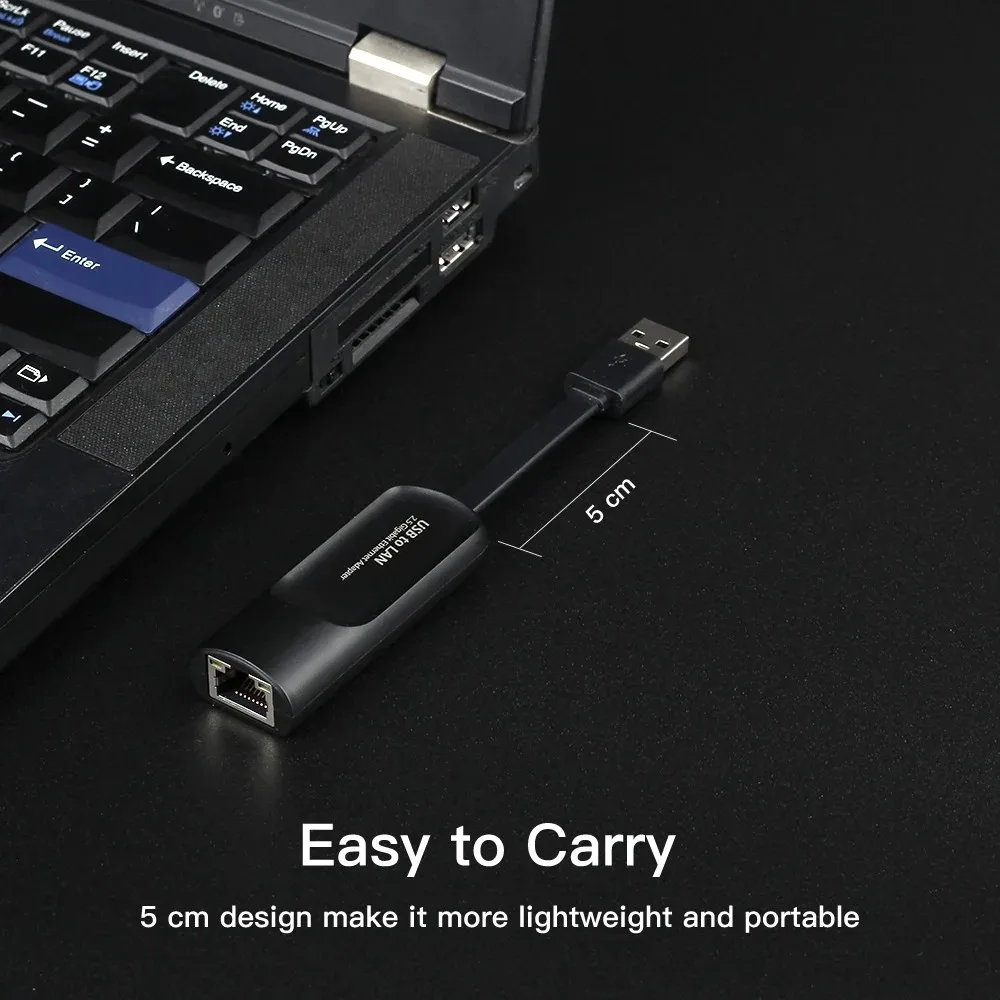
The USB3.0 2500Mbps Ethernet Adapter is quite compact, space-saving when using and portable for travel.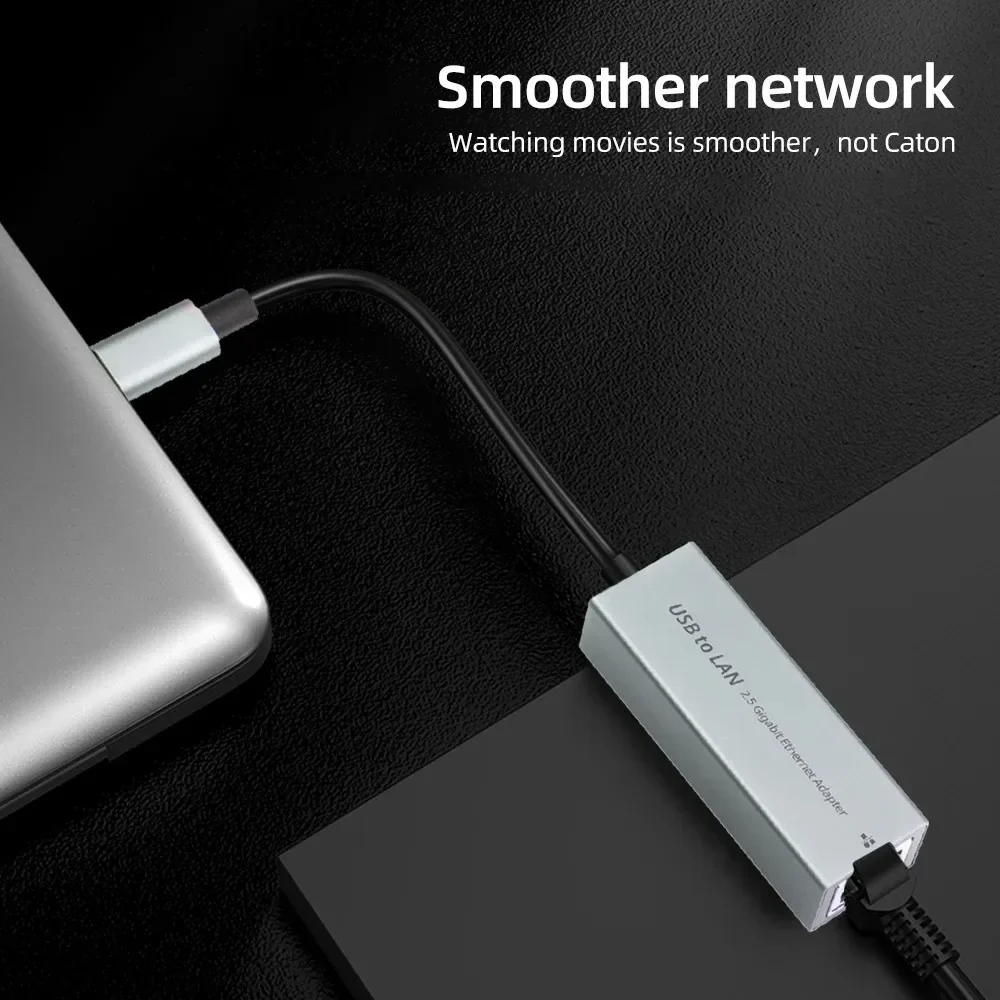
1. The Apple MAC OS system can only achieve a network speed of 1000m, but cannot reach a network speed of 2500m?
Currently, the Apple system has not automatically recognized 2.5G drivers and requires manual installation of drivers to achieve
Up to 2.5G internet speed, please consult our online customer service for details and request the driver. After manually installing the driver, you can
Select 25000 baseT from System Preferences – Network – Advanced – Hardware – Speed
Yes, it can be achieved while ensuring that other hardware supports 2.5g bandwidth
2. The WIN system can only achieve a network speed of 1000m and cannot reach a network speed of 2500M?
Some mainstream motherboards automatically recognize 2.5G drivers, but 2.5G products are too cutting-edge. Older motherboards
Or non mainstream motherboards have not yet been updated to recognize 2.5G drivers, and manual installation of drivers is required to achieve this
Up to 2.5G internet speed, please consult our online customer service for details and request the driver. After manually installing the driver, it can be done
In Device Manager – Network Adapter – Select USB 2.5G Network Card Right Click Properties – Advanced – Connect
Speed&Duplex Mode – Value Selection 2.5Gbps Full Duplex (2.5G)
bps Full Duplex), By ensuring that other hardware supports a bandwidth of 2.5g, a network speed of 2.5g can be achieved.
3. Manually installed the driver, but cannot set it up?
After manually installing the driver, you can go to Device Manager – Network Adapter – Select USB 2.5G Network
Right click on the card properties – Advanced – Connection speed and duplex mode (speed&duplex) value selection
2.5Gbps Full Duplex, while ensuring other hardware supports 2.5g bandwidth
It can achieve a network speed of 2.5g.
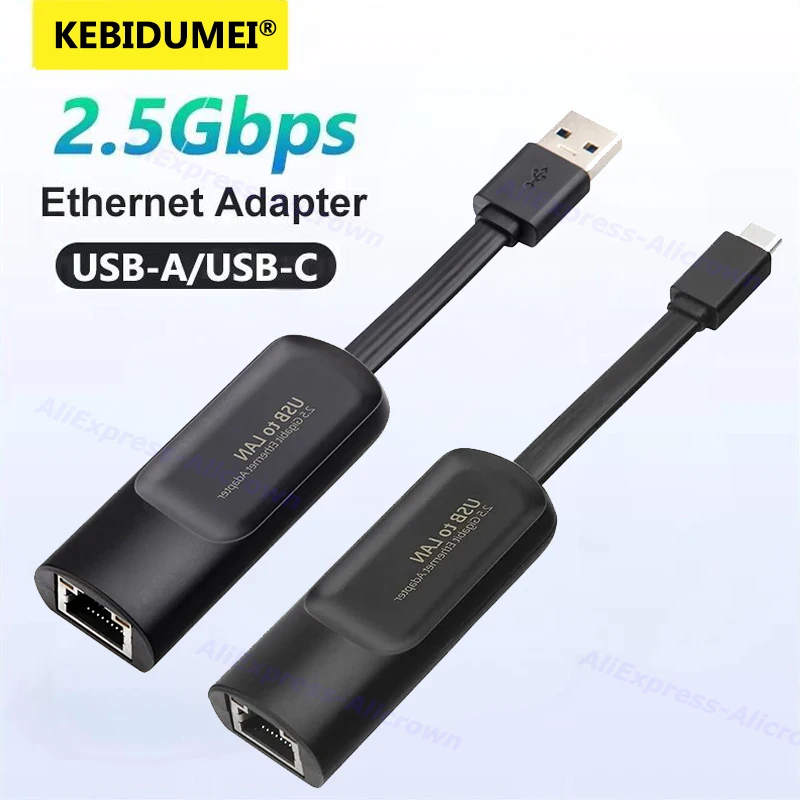
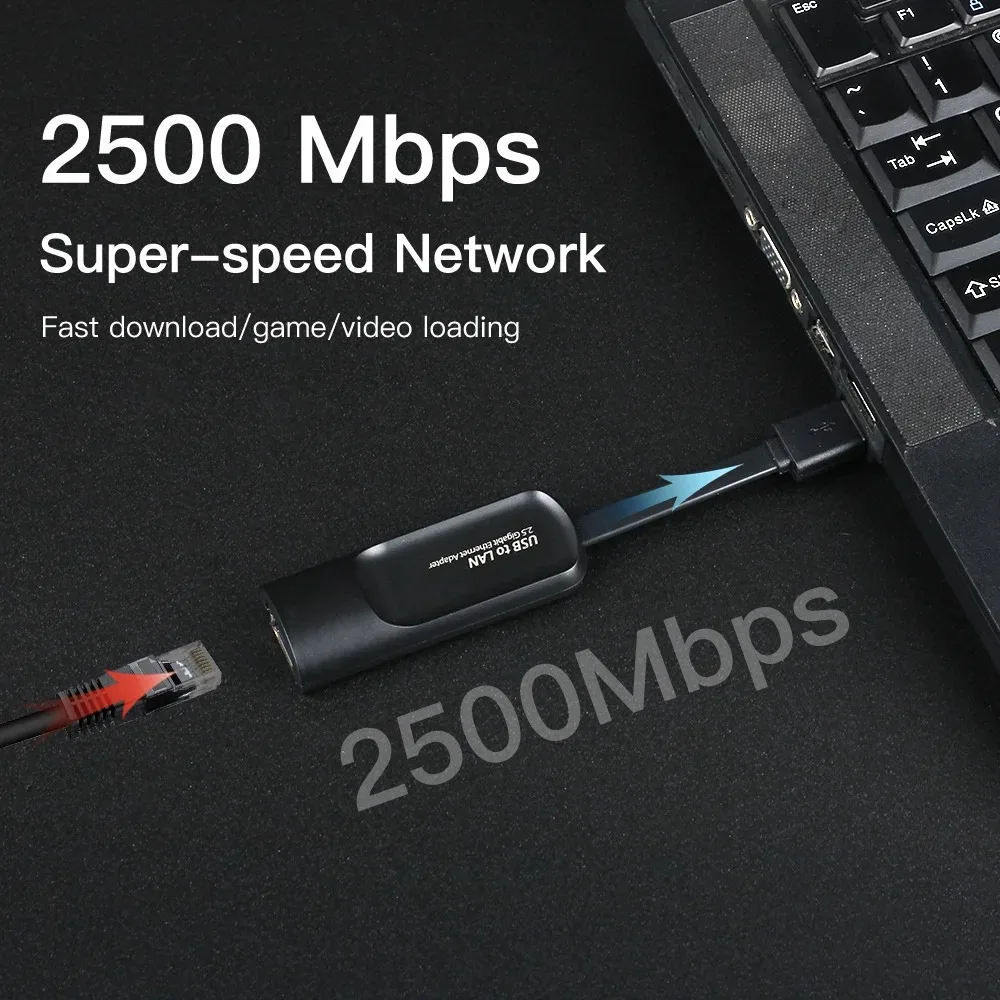
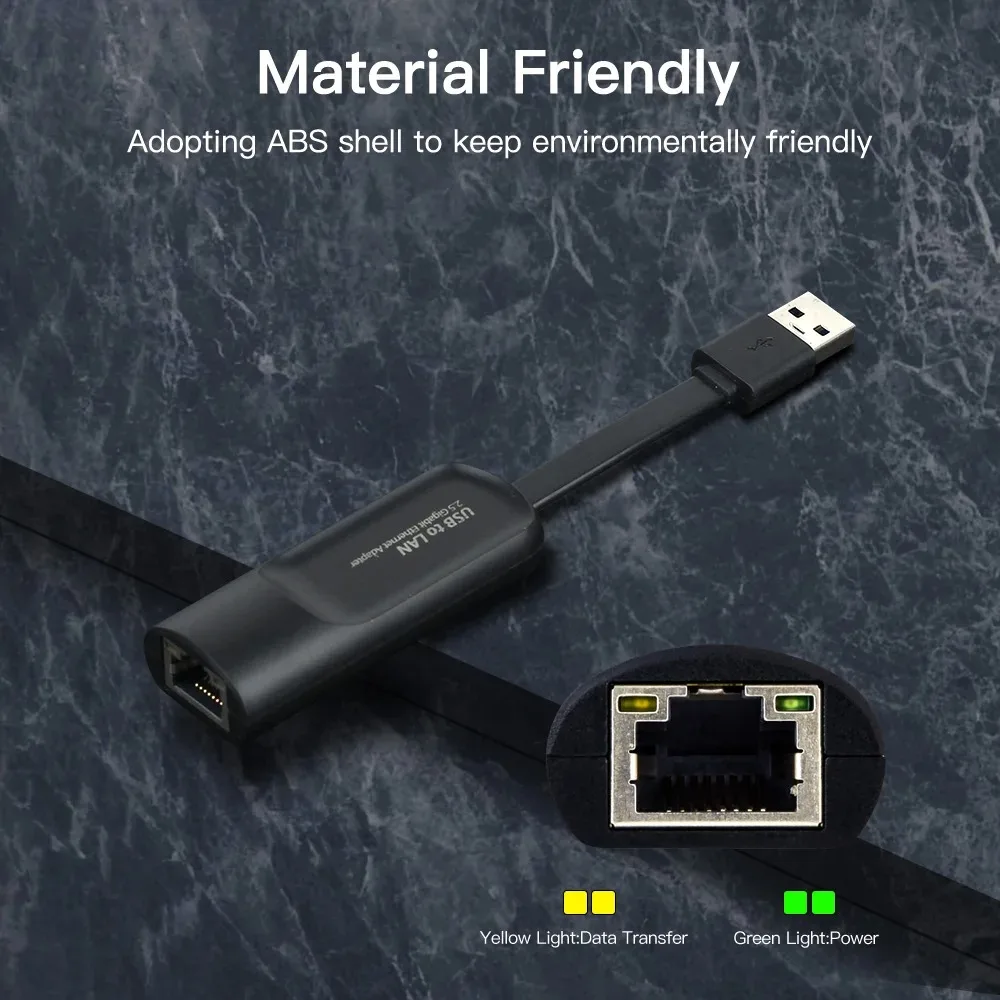

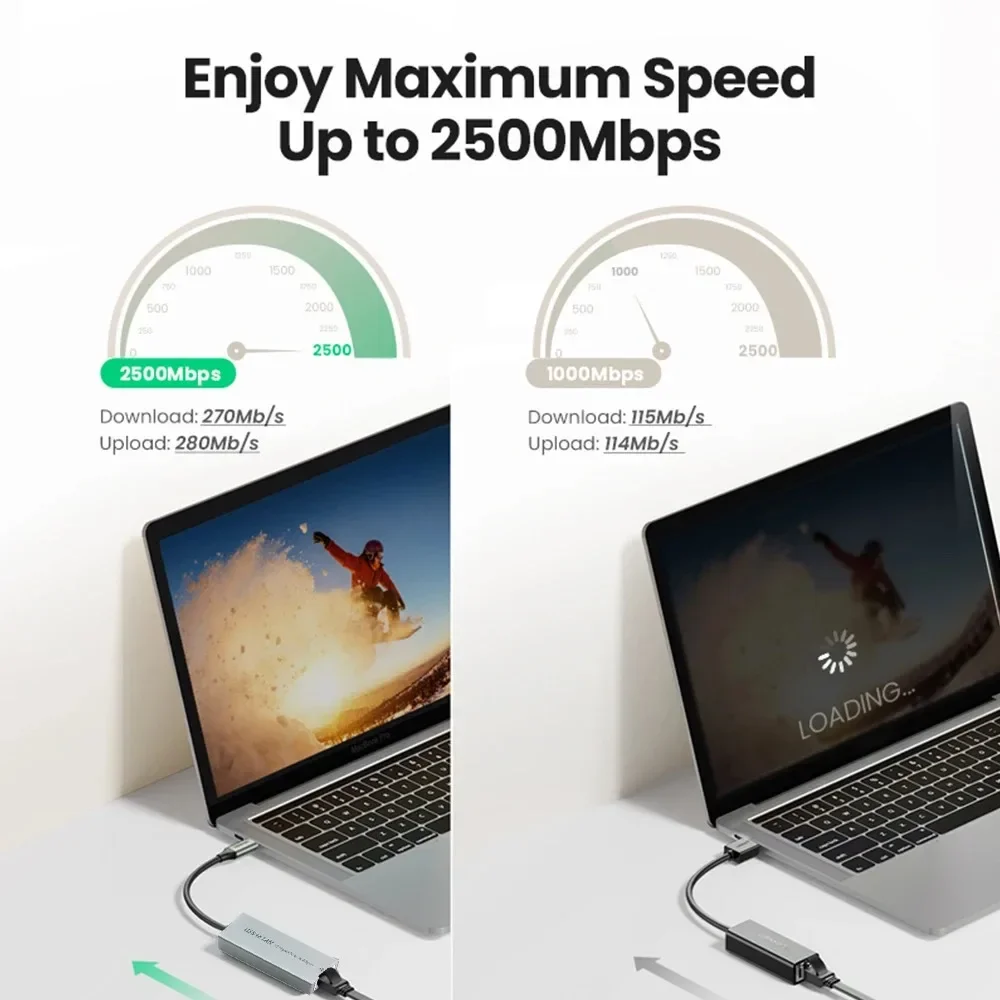
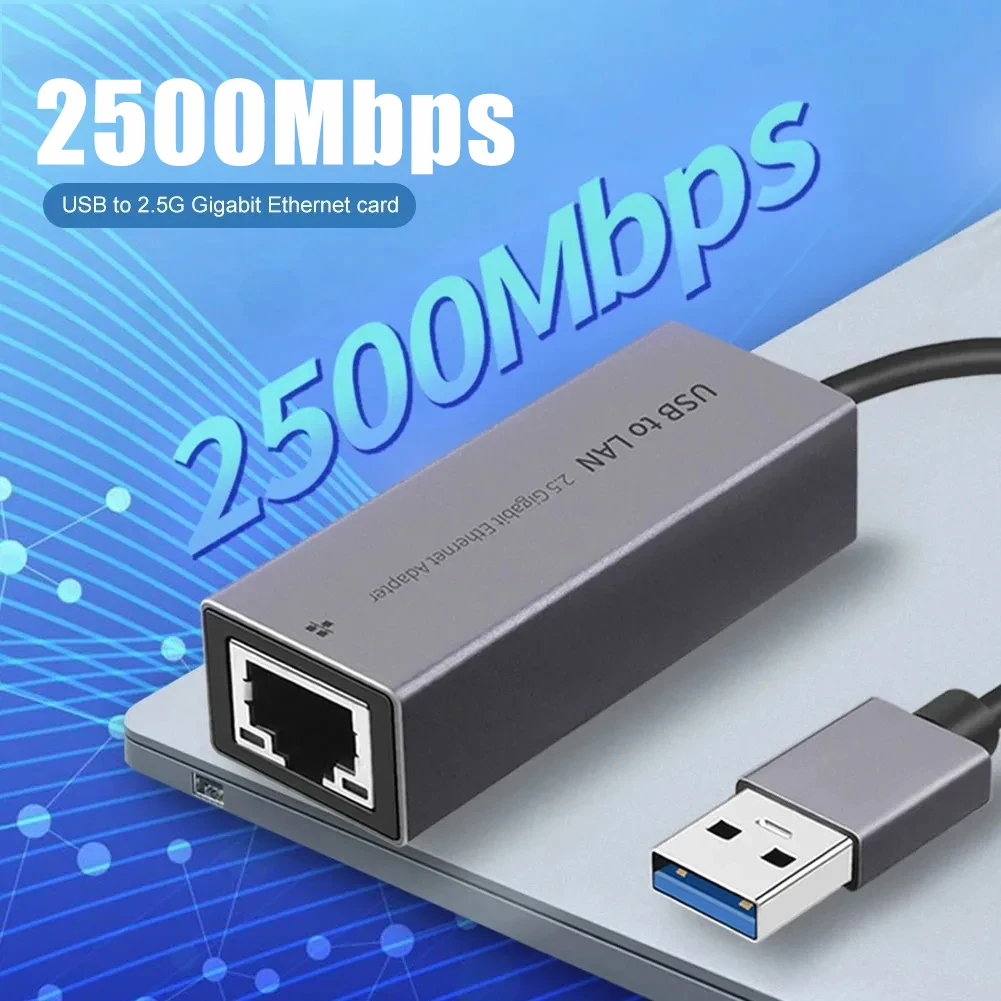 2500Mbps Hyper Speed
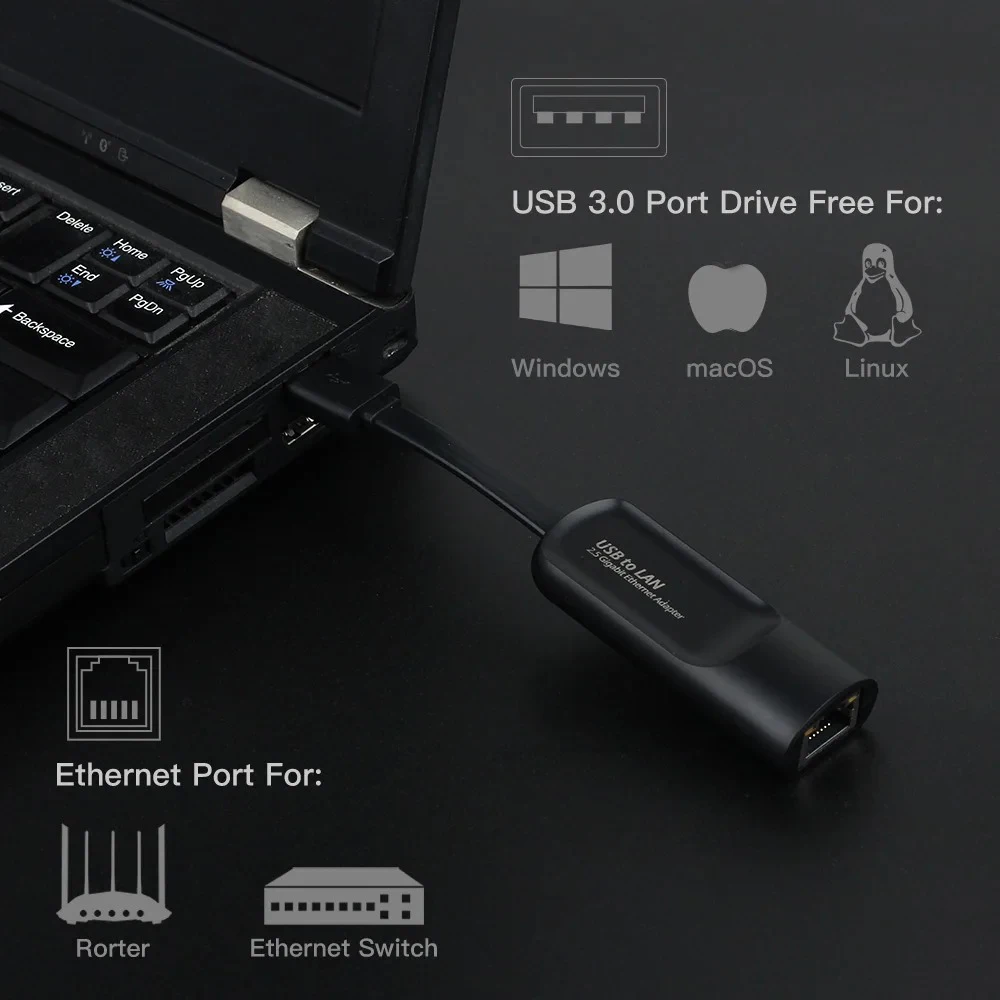
 Universal Compatibility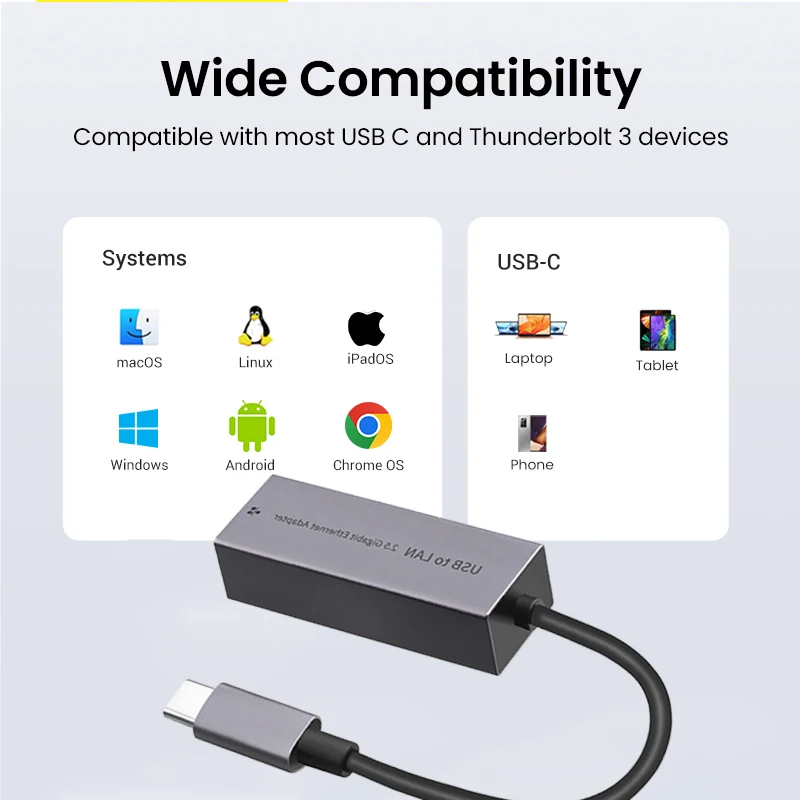
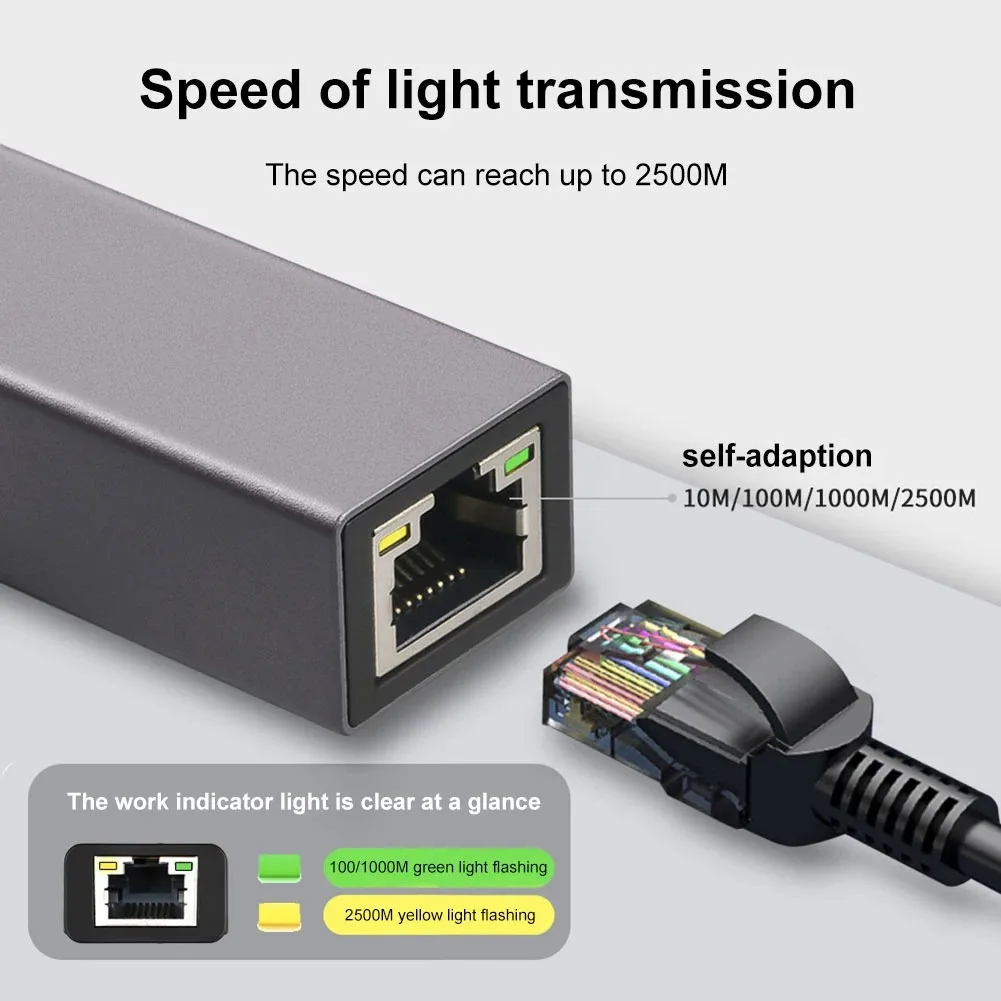 Lightweight and Portable