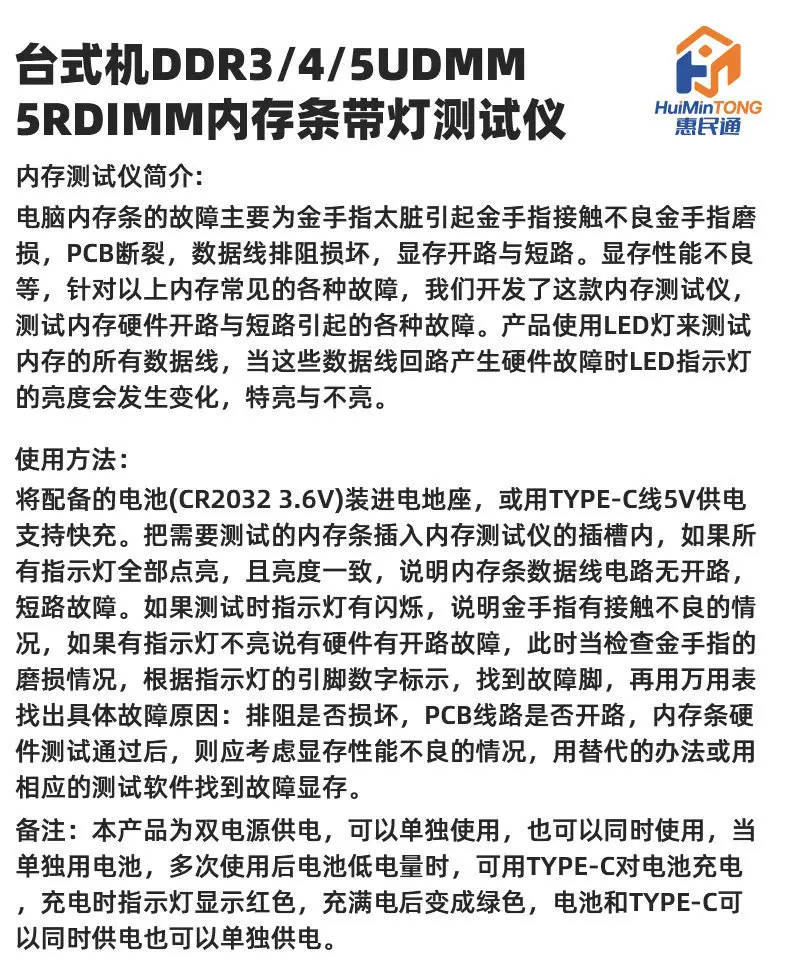
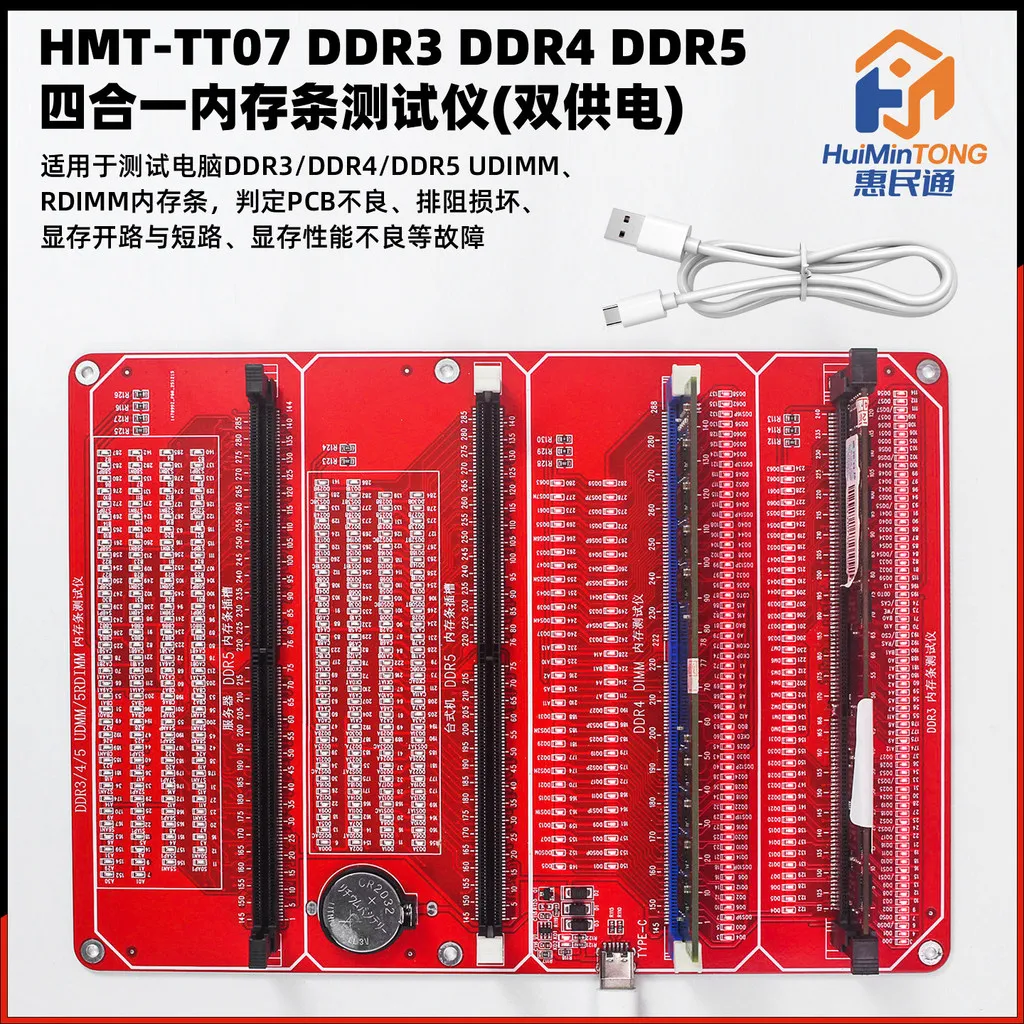
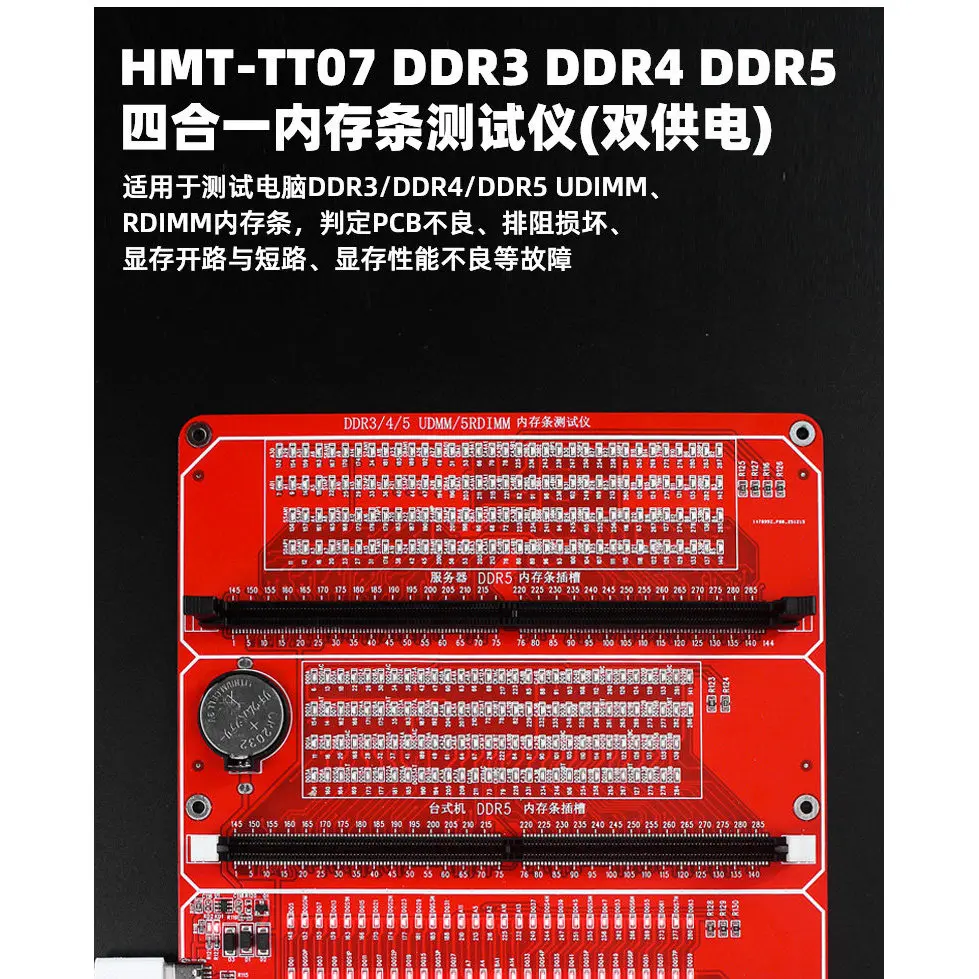
Desktop DDR3/4/5 UDIMM & RDIMM RAM Tester with LED Indicators
Product Introduction
Common faults in desktop memory modules include:
- Poor contact or worn-out gold fingers caused by dirt
- Broken PCB traces
- Damaged data line resistor arrays
- Open or short circuits in memory chips
- Degraded memory performance
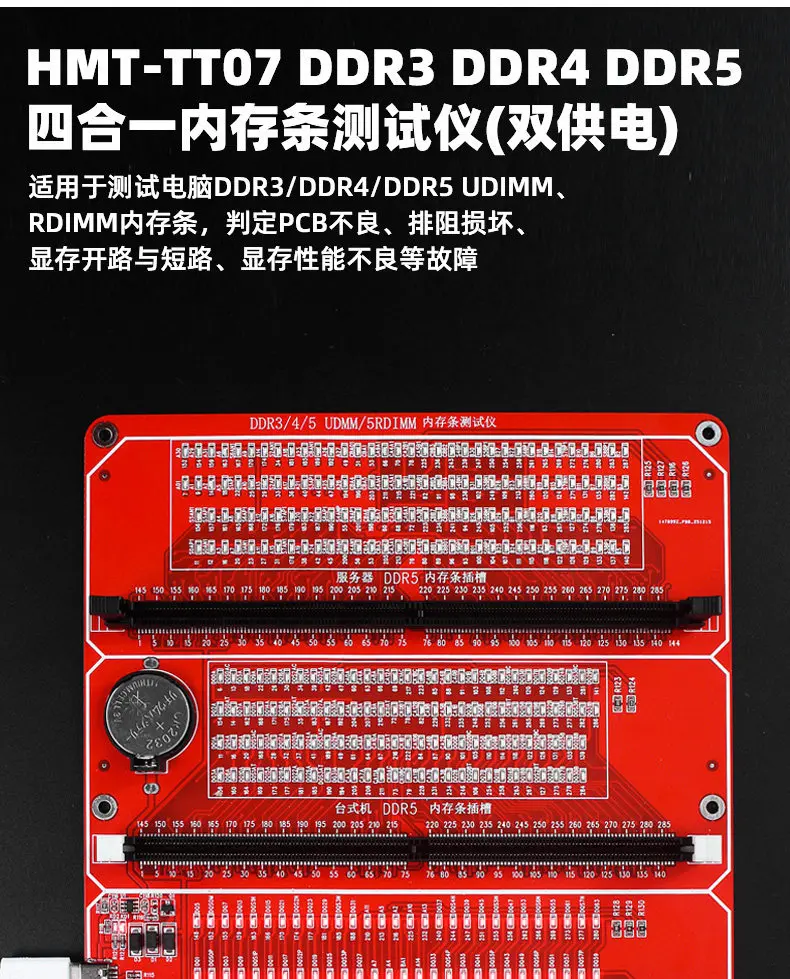
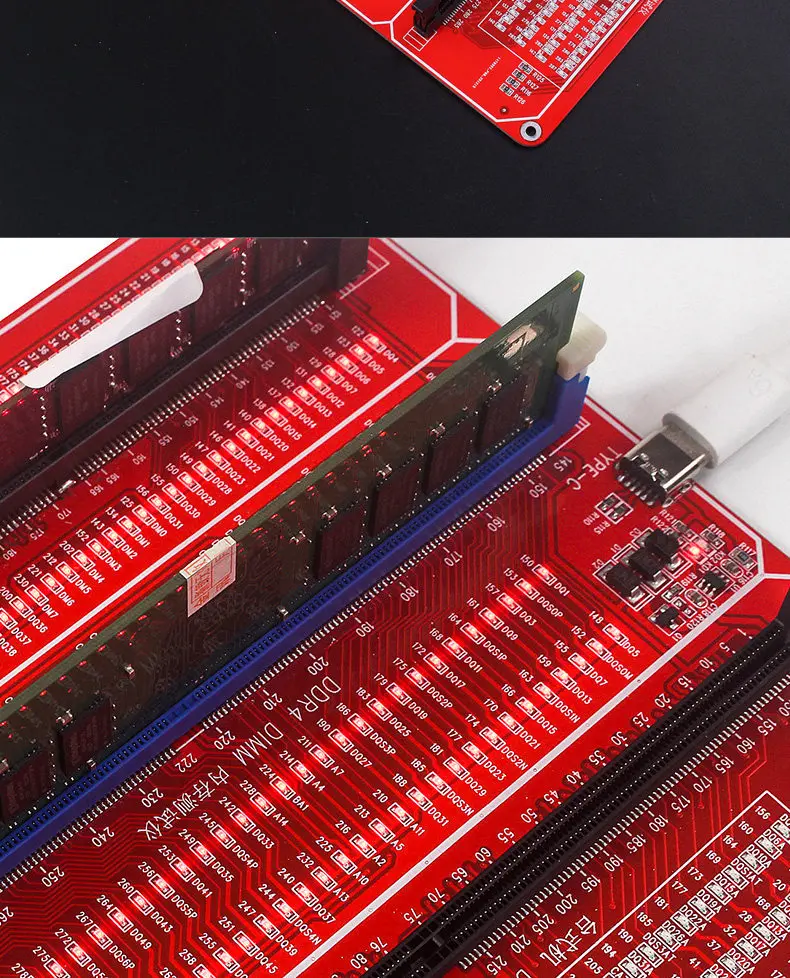
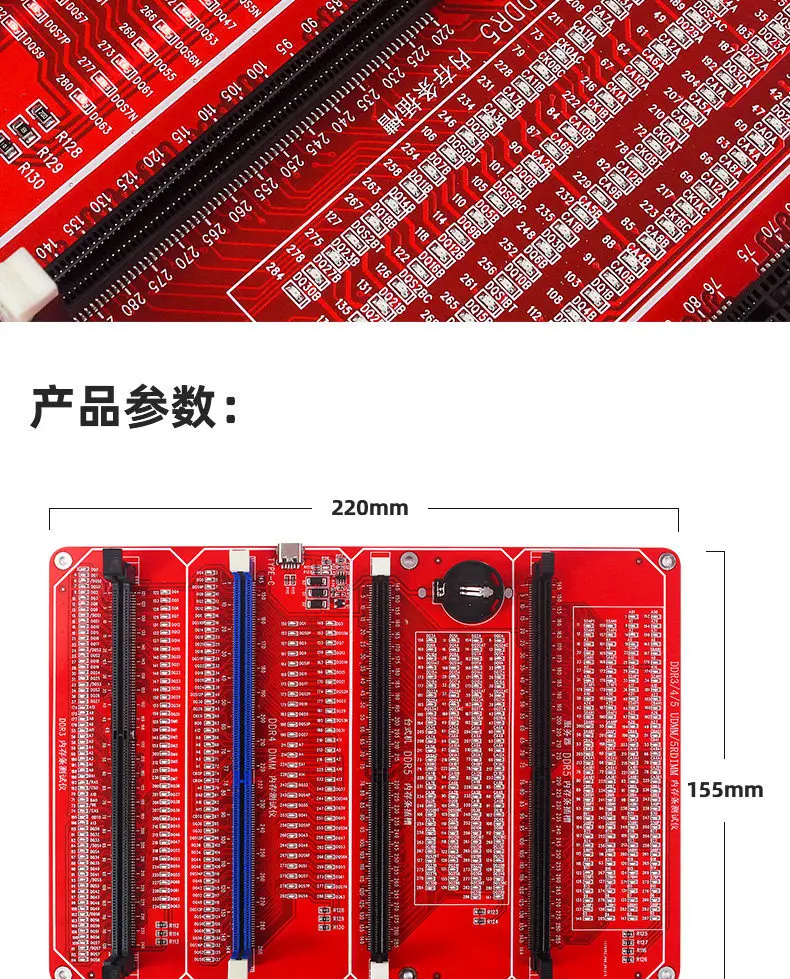
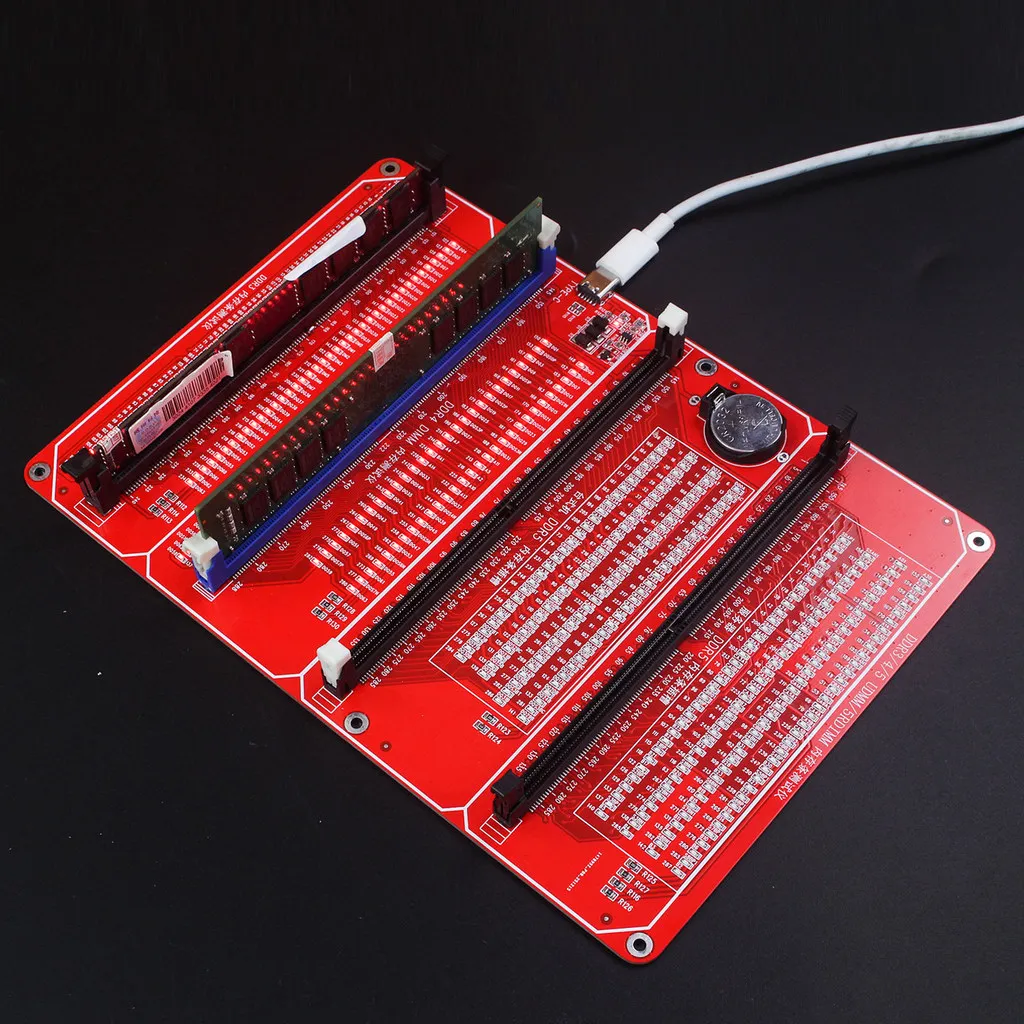
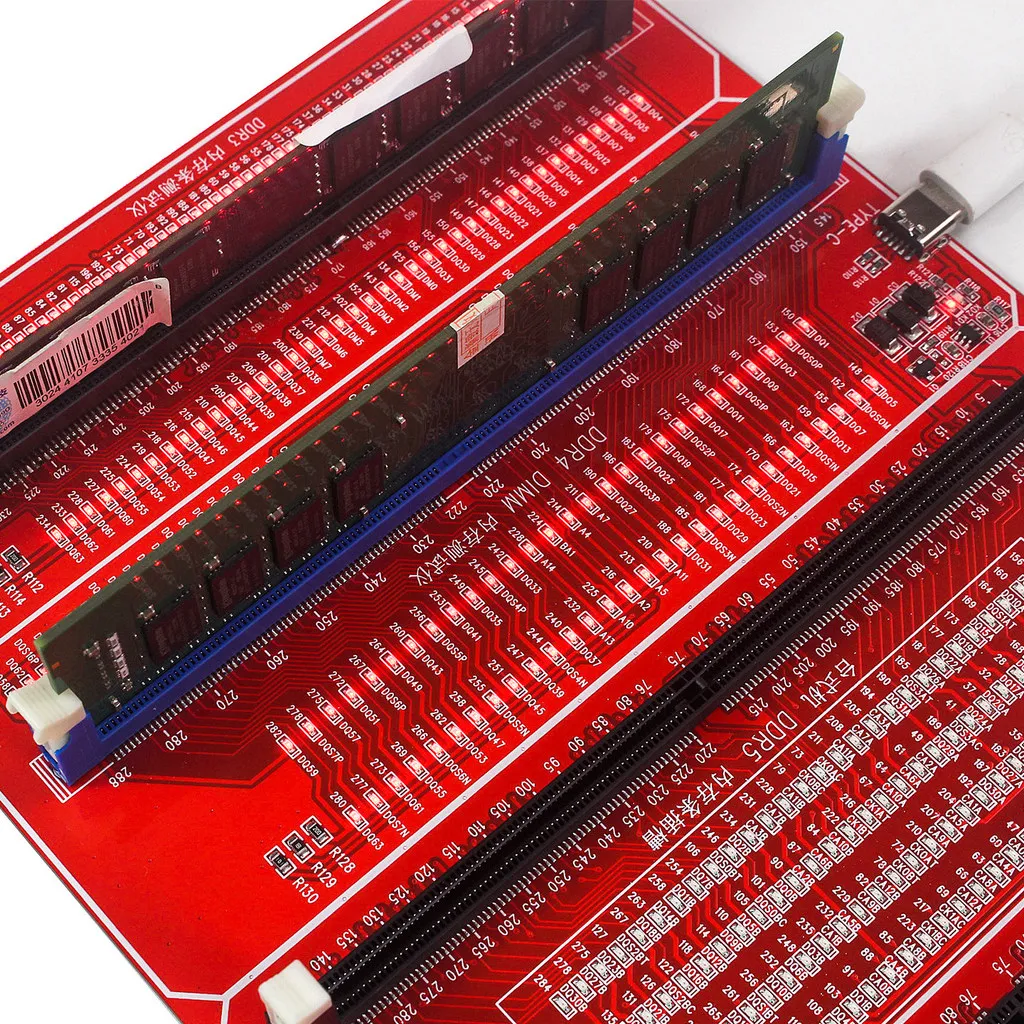
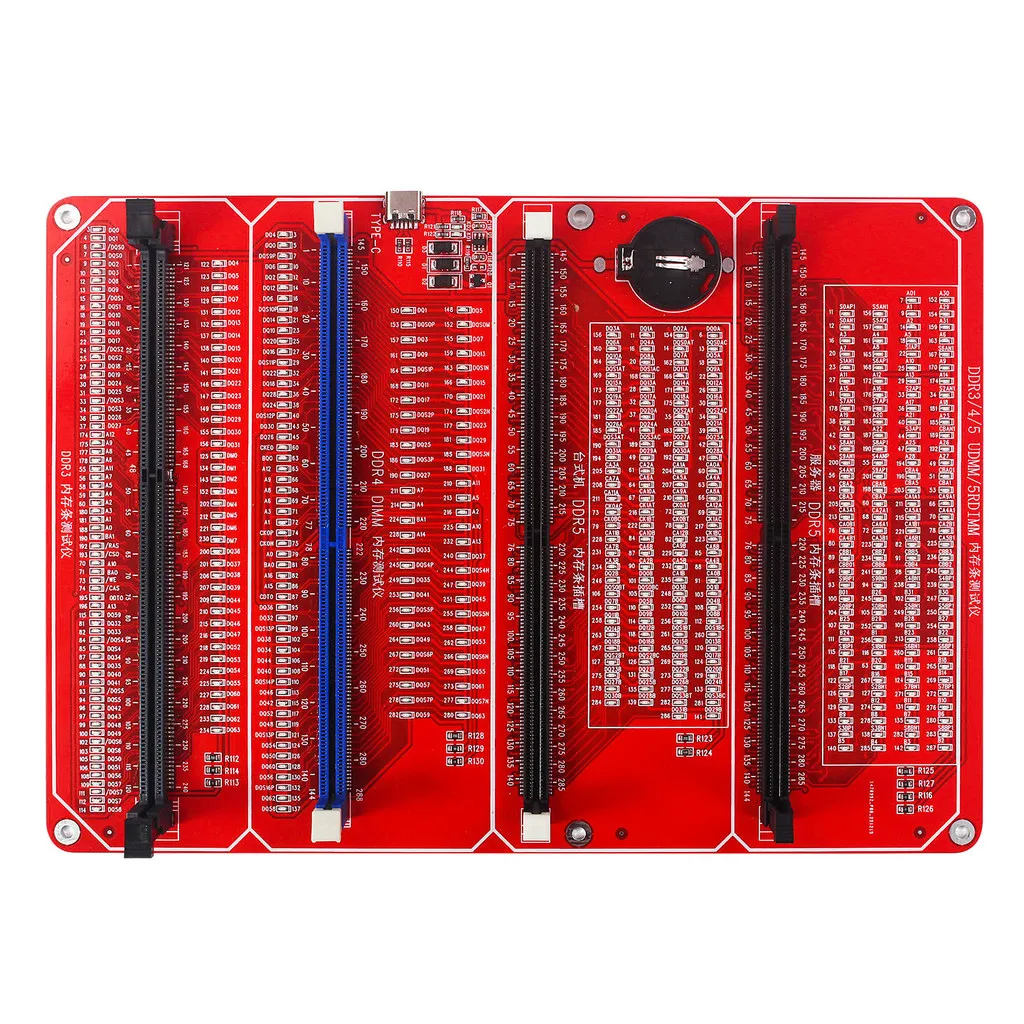
This dedicated RAM tester is designed to diagnose all hardware faults caused by open or short circuits in memory modules. It uses LED indicators to test all data lines on the RAM. When a hardware fault occurs in any data line circuit, the corresponding LED will change brightness, either staying off or lighting up unusually bright, allowing for quick visual fault location.
How to Use
- Power the Tester
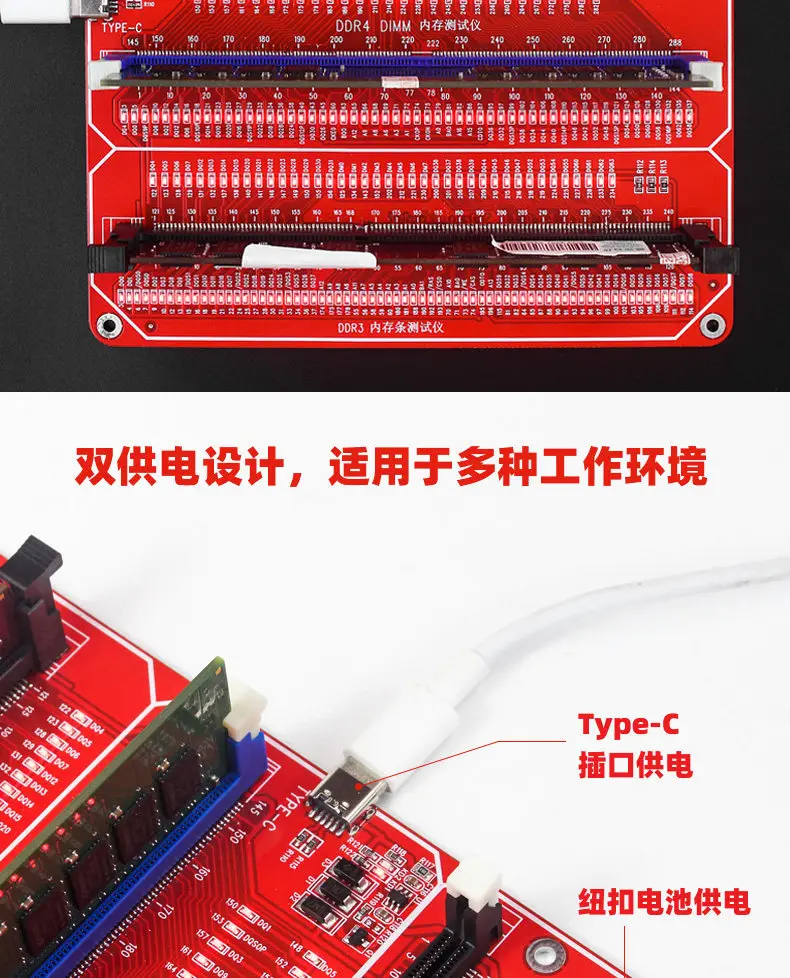
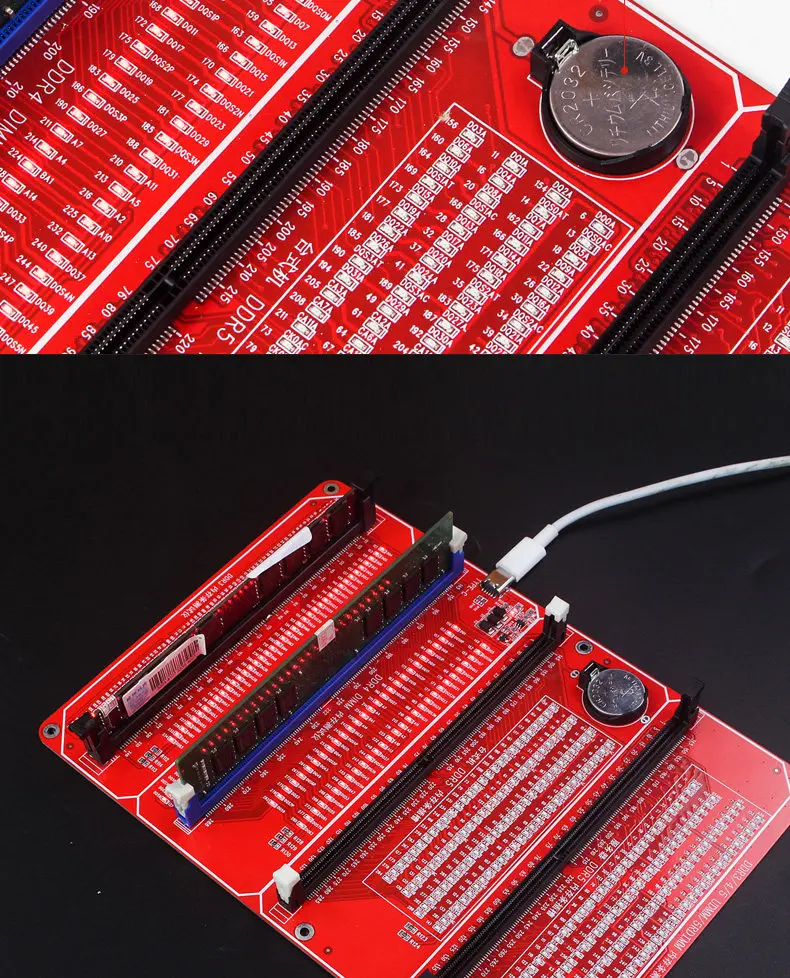
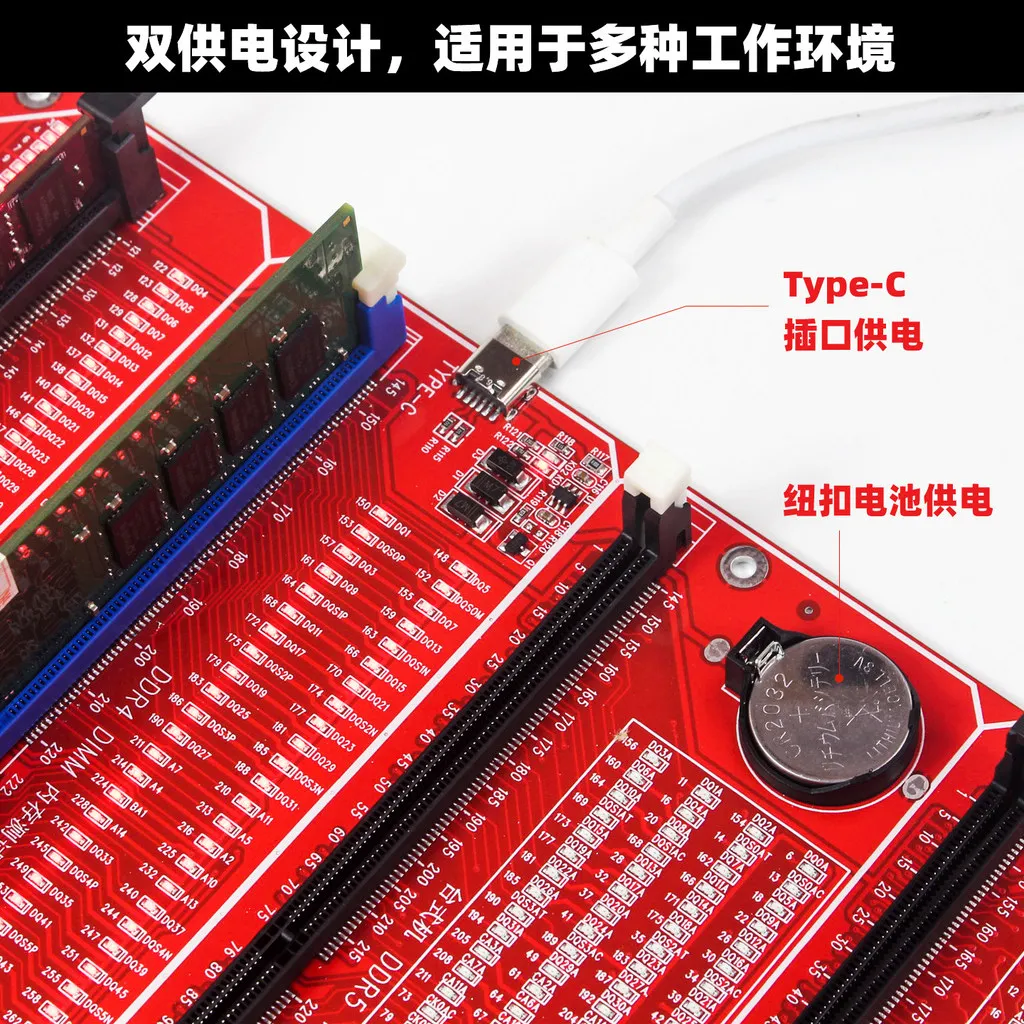
- Insert the included CR2032 3.6V battery into the battery holder, or use a TYPE-C cable for 5V power supply (fast charging supported).
- Insert the RAM Module
- Plug the memory module to be tested into the tester’s slot.
- Interpret the LED Results
- ✅ All LEDs on with uniform brightness: The data lines have no open or short circuits.
- ⚠️ Flickering LEDs: The gold fingers are dirty or worn, causing poor contact.
- ❌ Any LED stays off: There is an open circuit fault in the hardware.
- Check the condition of the gold fingers.
- Locate the faulty pin using the LED’s number marking.
- Use a multimeter to verify the root cause, such as damaged resistors or broken PCB traces.
- Advanced Troubleshooting
- If all LEDs pass the test but the RAM still malfunctions, the issue may be degraded memory chip performance. Use the swap method or dedicated diagnostic software to identify faulty chips.
Additional Notes
This device features dual power supply:
- You can use the battery and TYPE-C power independently or simultaneously.
- When the battery runs low after extended use, charge it via TYPE-C.
- The charging indicator lights red while charging.
- It turns green once fully charged.