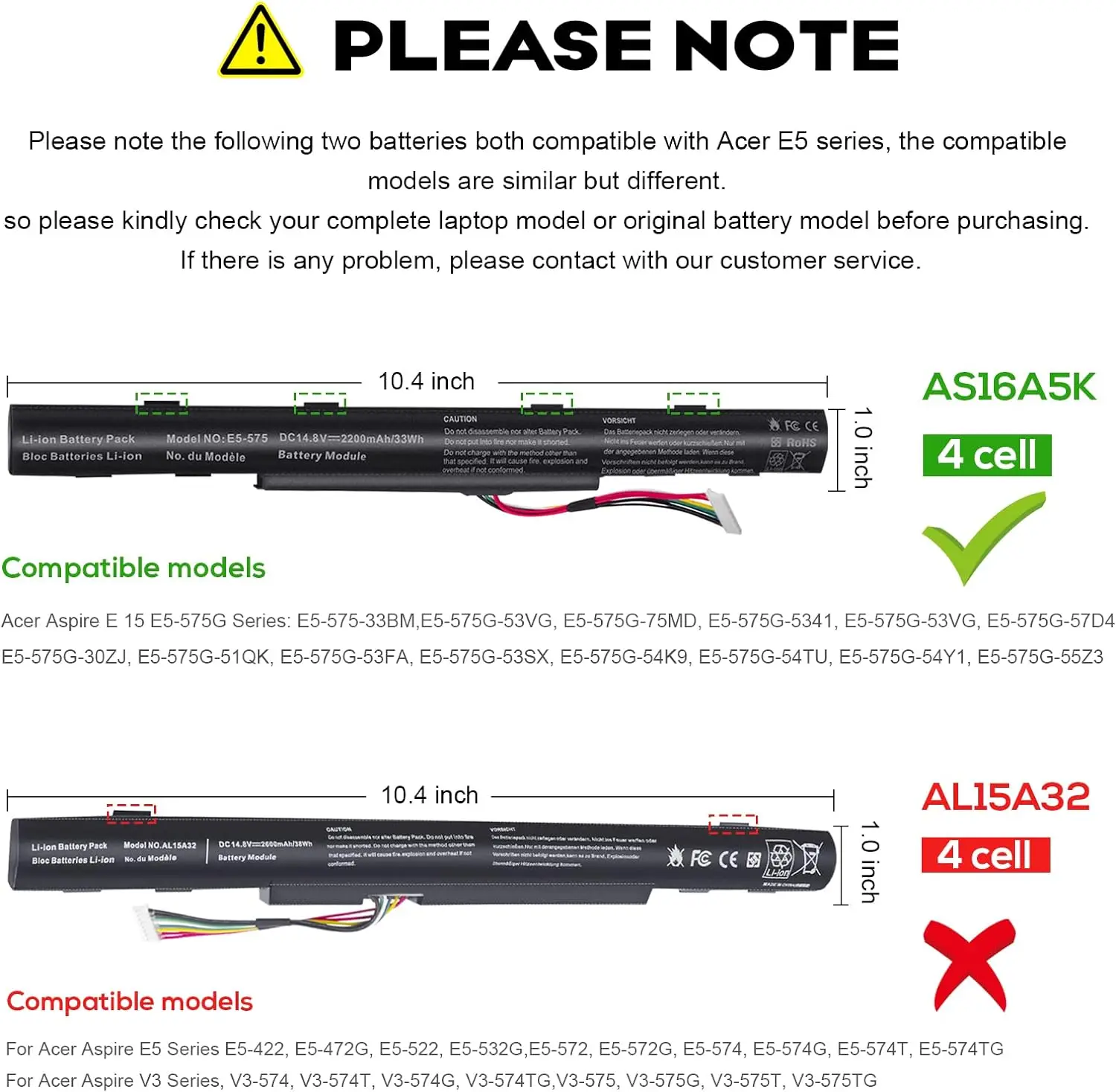
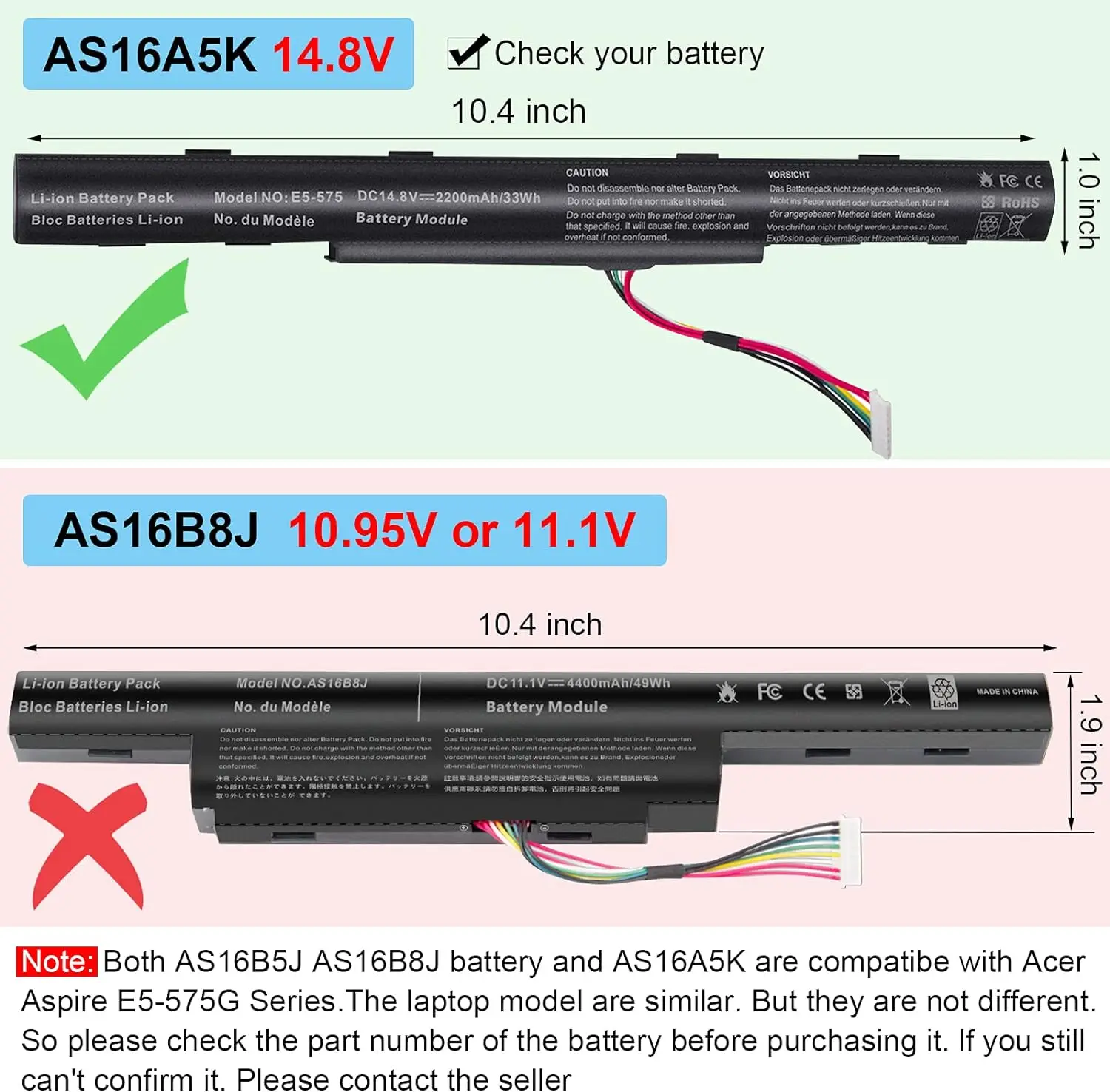
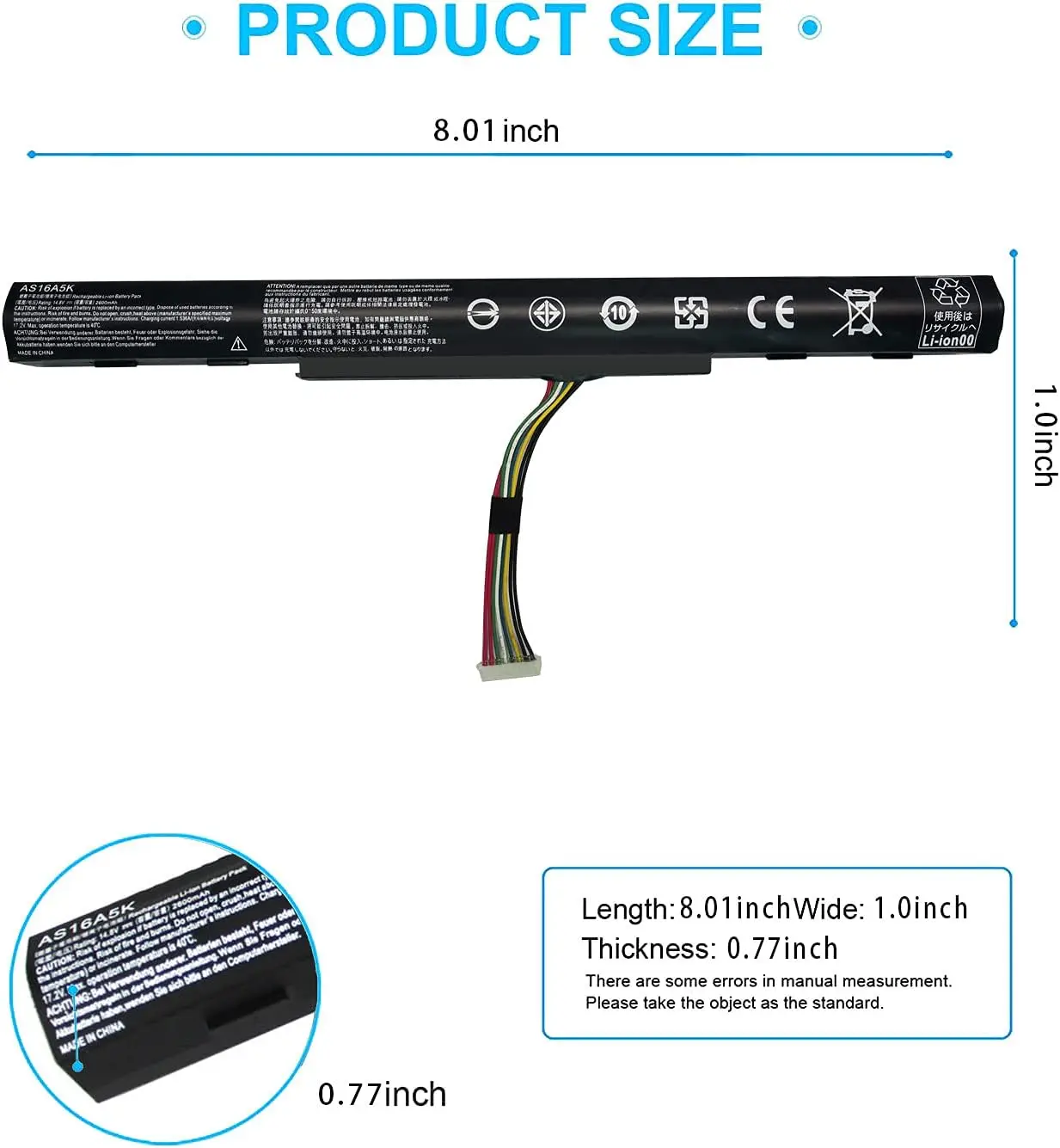
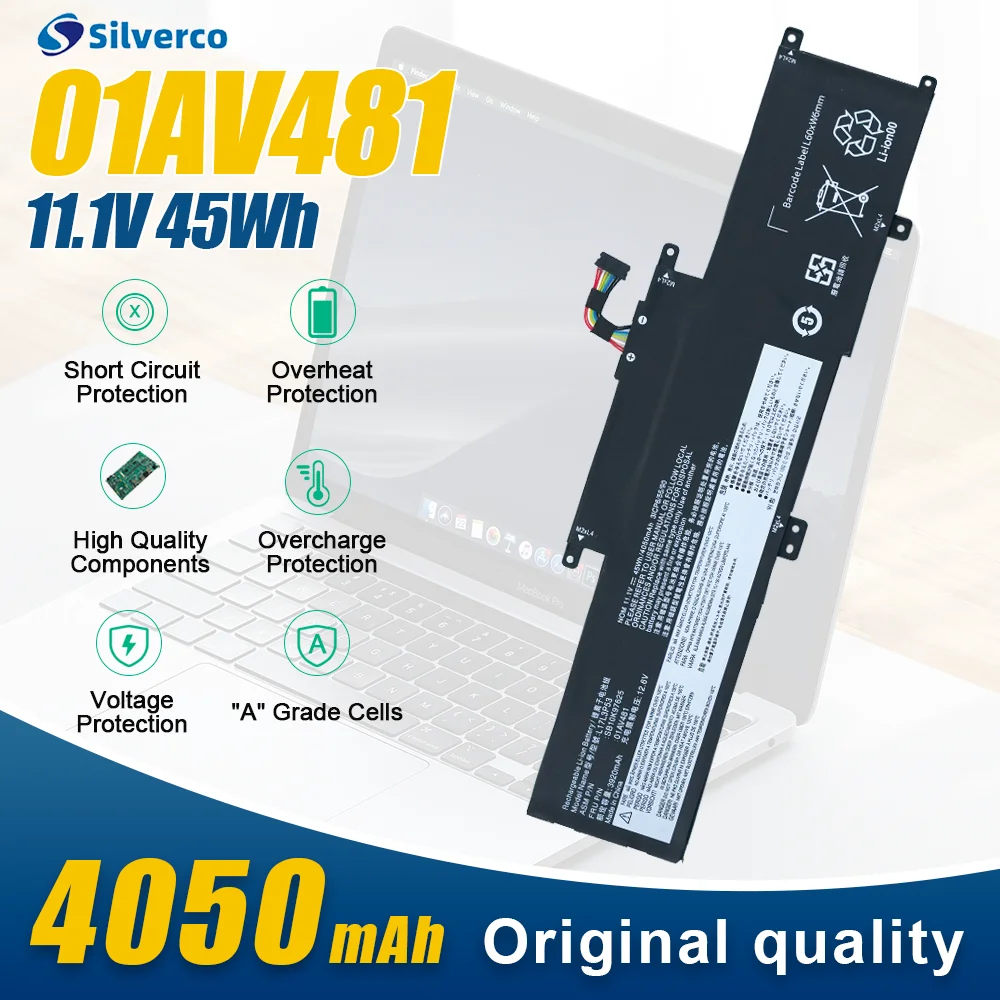
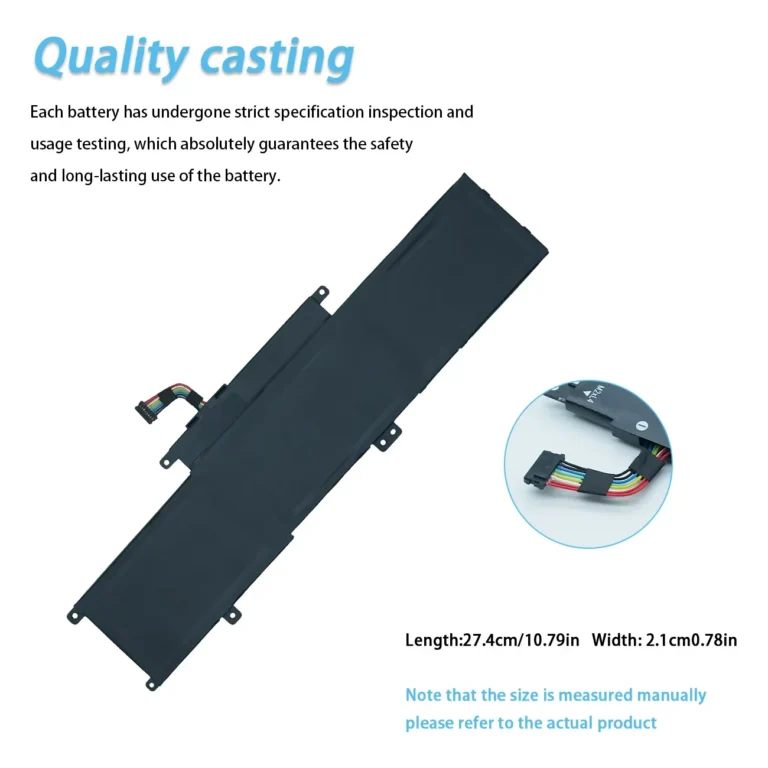
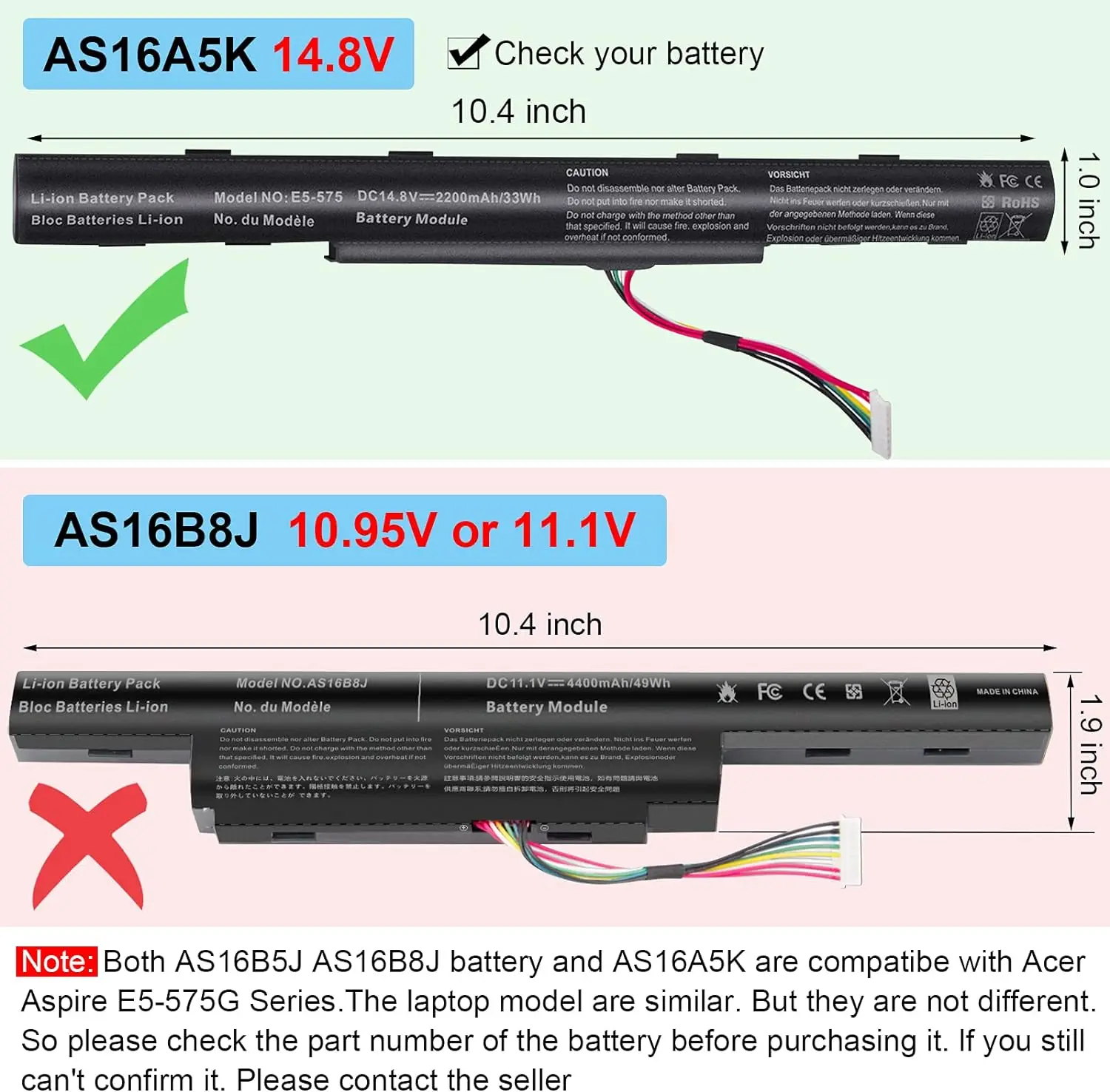
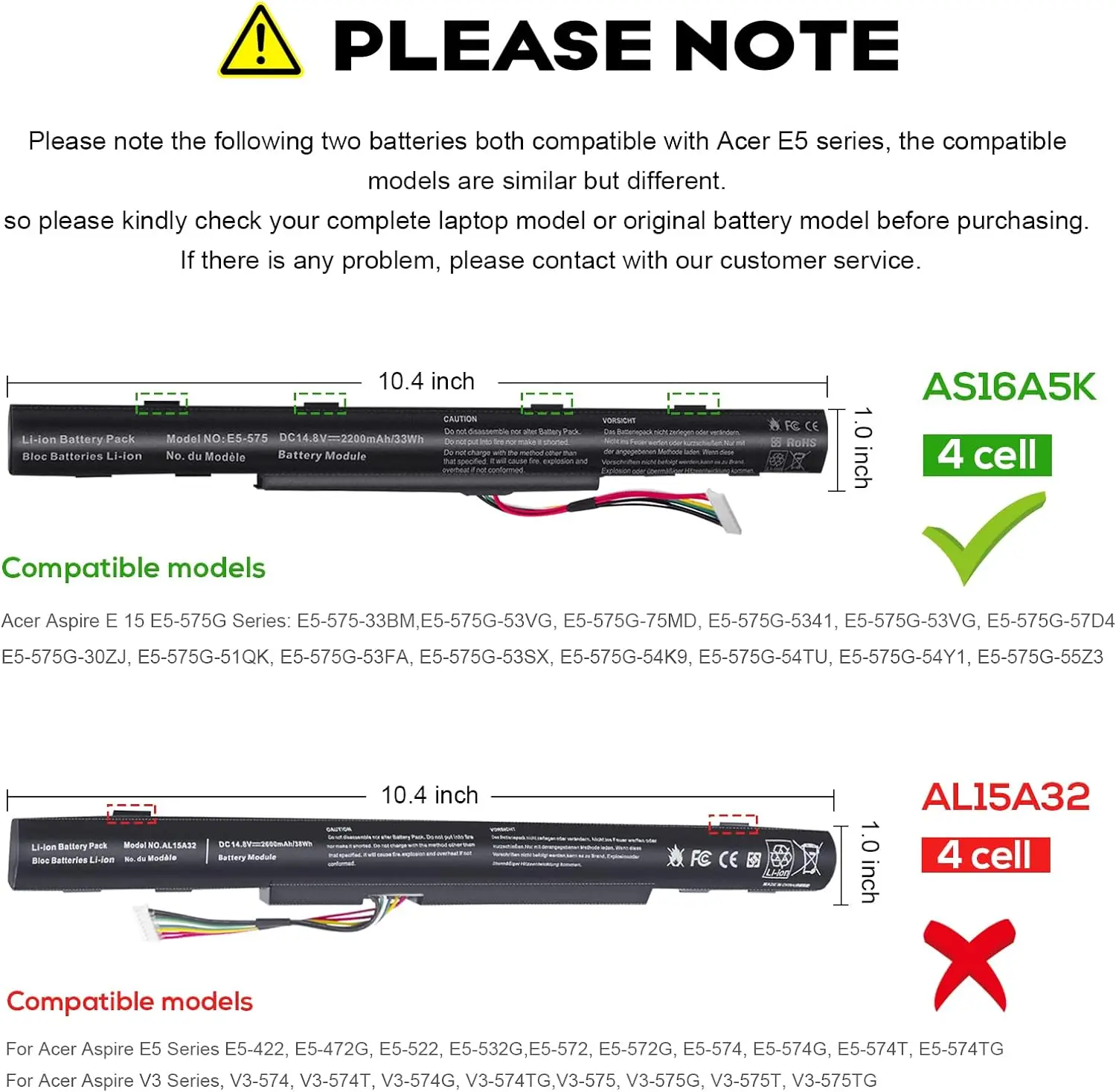
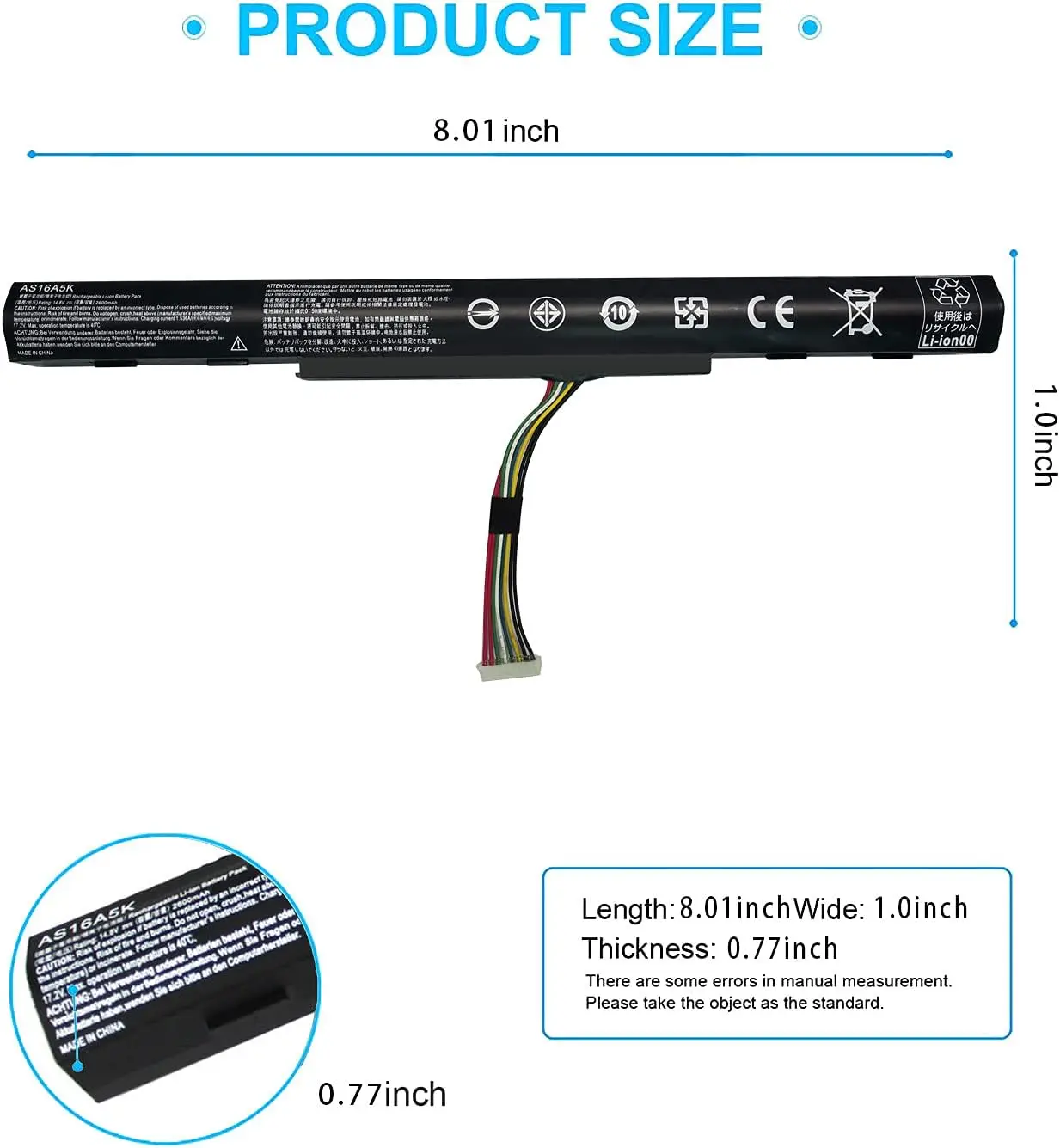
NOTE: If you are sure your laptop model is Acer Aspire E5-575G Series, please rest assured to buy. Even if you get a different shape than your original battery.It still fits in the Acer Aspire E5-575G without any modifications, but don’t be surprised when you see it.
Compatible with Part Number :
AS16A5K AS16A7K AS16A8K 4ICR19/66 N16Q1 N16Q2 KT.00605.002 KT.00405.001 KT.00407.004 KT.0040G.007
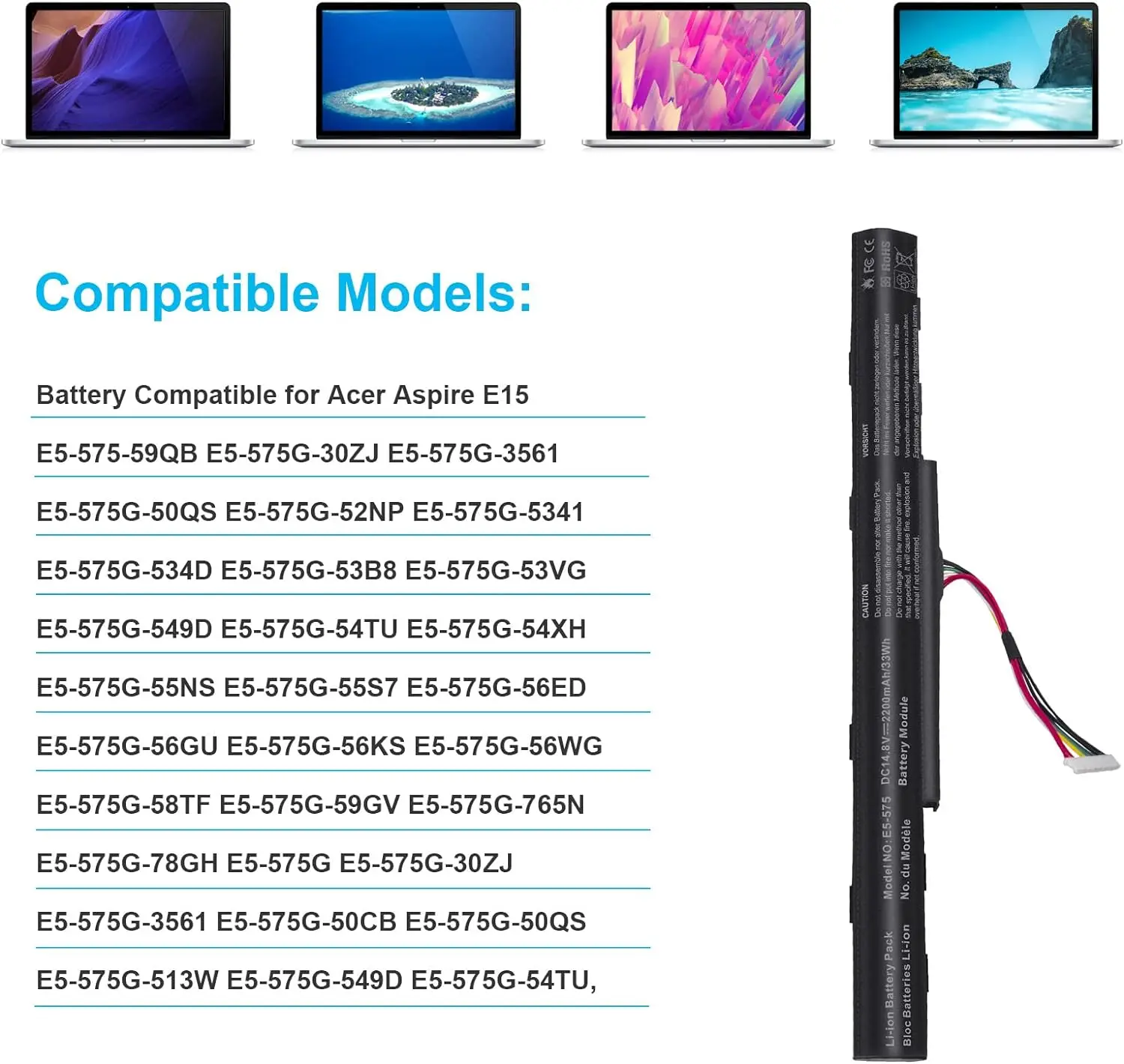
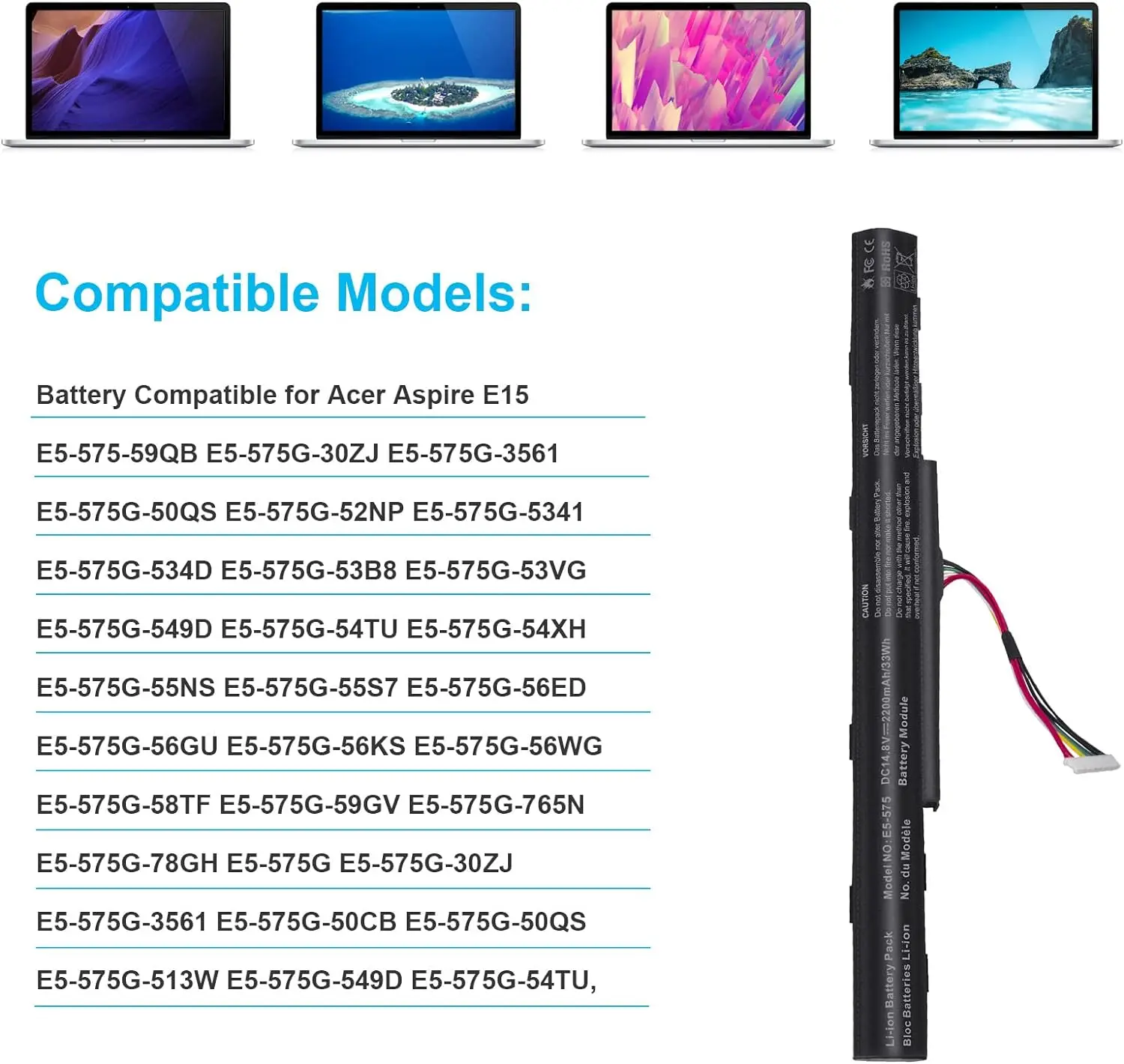
Compatible with Acer Aspire Laptop Models:
Aspire E15 E5-475 E5-475G E5-523 E5-523G E5-553 E5-553G E5-575 E5-575G E5-575T E5-575TG E5-576 E5-576G E5-774 E5-774G Series
Aspire F5-573 F5-573G F5-573T F5-771 F5-771G Series
Aspire E5-475 Series
E5-475-31A7 E5-475-32X8 E5-475-35CL E5-475-377R E5-475-55P7
Aspire E5-475G Series
E5-475G-30KY E5-475G-51SV E5-475G-525V E5-475G-525W E5-475G-526W E5-475G-52MT E5-475G-53VJ E5-475G-57K2
Aspire E5-774G Series
E5-774G-37ZB E5-774G-518Y E5-774G-51F1 E5-774G-51NM E5-774G-546G E5-774G-54MX E5-774G-54ZR E5-774G-553R E5-774G-554D E5-774G-55KT E5-774G-55SA E5-774G-570J E5-774G-57ND E5-774G-57RM E5-774G-58V3 E5-774G-70AB E5-774G-71AH E5-774G-71VY E5-774G-73BX E5-774G-74G8 E5-774G-74Y0 E5-774G-75DQ E5-774G-78JN E5-774G-78NA Aspire E5-575G Series
E5-575G-53VG E5-575G-549D E5-575G-5341 E5-575G-33BM E5-575G-51VI E5-575G-30ZJ E5-575G-3561 E5-575G-50CB E5-575G-50QS E5-575G-513W E5-575G-52DD E5-575G-52NP E5-575G-534D E5-575G-53B8 E5-575G-54TU E5-575G-54XH E5-575G-55NS E5-575G-55S7 E5-575G-56ED E5-575G-56GU E5-575G-56KS E5-575G-56WG E5-575G-58TF E5-575G-58UJ E5-575G-59EE E5-575G-59GV E5-575G-765N E5-575G-76YK E5-575G-78GH

How to use the new battery correctly?
Laptop Battery Maintenance Tips:
1. When using your new battery for the first time, you need to prime the battery by charging it to 100% and discharging it to 20% for 3 times. If you don’t know how to install a new laptop battery, you can search “How to install a new laptop battery?” on website.
2. DO NOT let the battery drain to 0%: If you constantly let it drain to 0%, the battery becomes unstable will be seriously degraded.
3. DO NOT keep your battery always fully charged: Just like emptying your battery to 0%, keeping your battery permanently charged at 100% is very harmful. As time goes by, this will increase its internal resistance and reduce its capacity.
4. Perform regular charging cycles: If you don’t use your Laptop battery very often, it is important to cycle it (discharge => charge) regularly, at least once a month. Please store the unused battery fully charged. Do not store at low power to prevent reduce the lifespan of a battery.
5.The battery life depends on how you use your laptop. If you open a lot of software at the same time, in the office, while listening to music, while browsing the Internet, also watching a movie, then the battery will drain fast; If you don’t have a lot of software running on your computer, and you’re only on standby or browsing the web, the battery will last longer.
Easy Ways To Maximize Battery Life:
1. Change your laptop power plan settings. I would suggest you choose the power saver plan. Then Change advanced power settings, scroll down to find Processor power management. Click the On-battery option and reduce the processor state to 20%.
2. Always keep your laptop neat and clean. The dust easily enters the hardware through the vents which are meant to release the heat generated from various computer components. It then blocks the vents preventing the outflow of the heat. This damages the computer parts including the battery.
3. Close Wi-Fi, Bluetooth, and other settings. You should keep the Bluetooth and WiFi off when you’re watching movies or doing other things which don’t require network connectivity. This can help your computer save precious battery life.