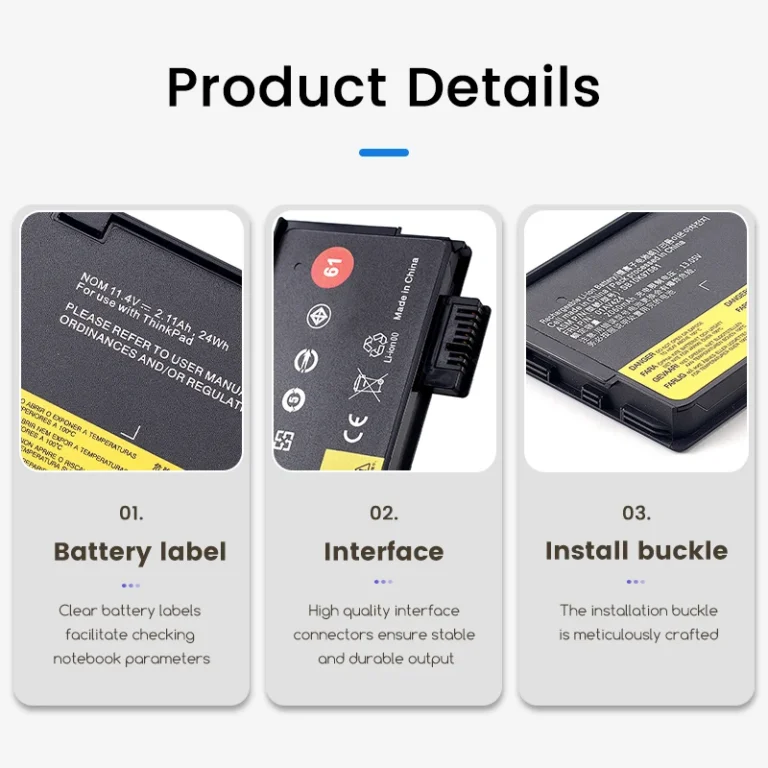
- High-concerned chemical: None
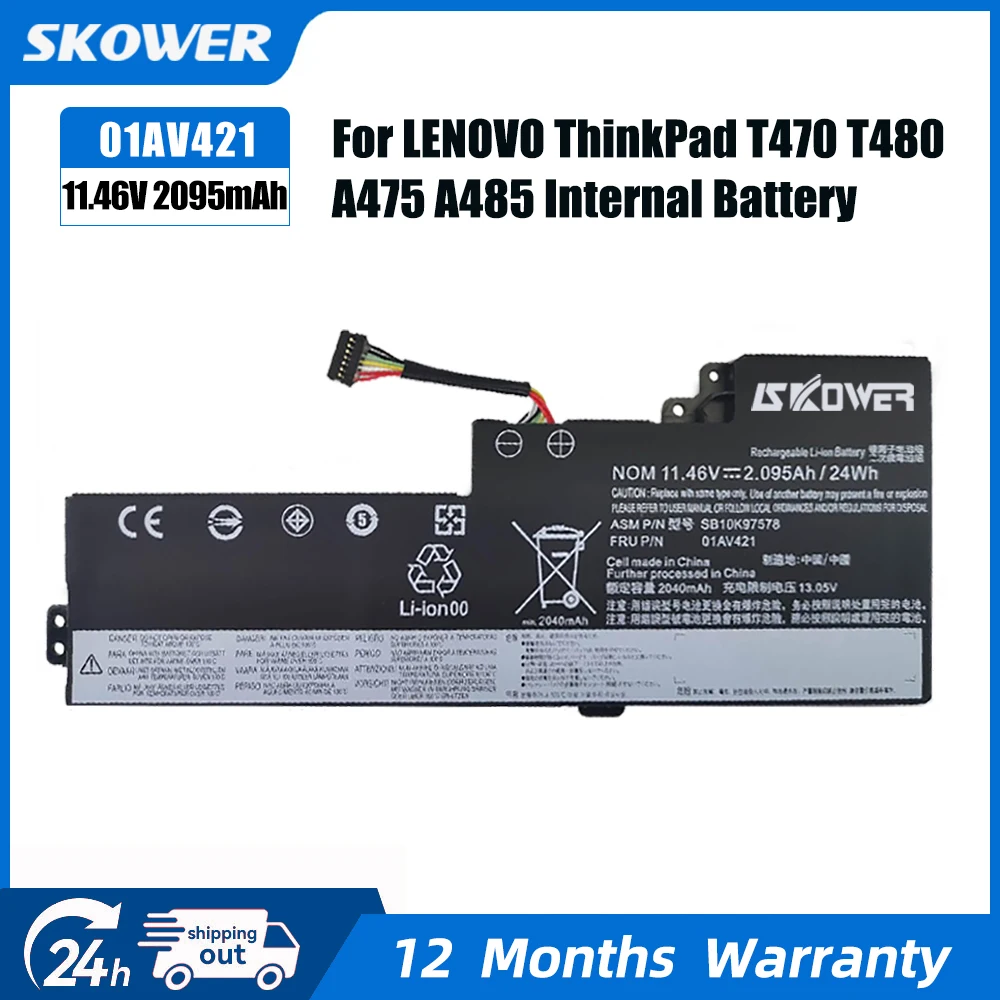
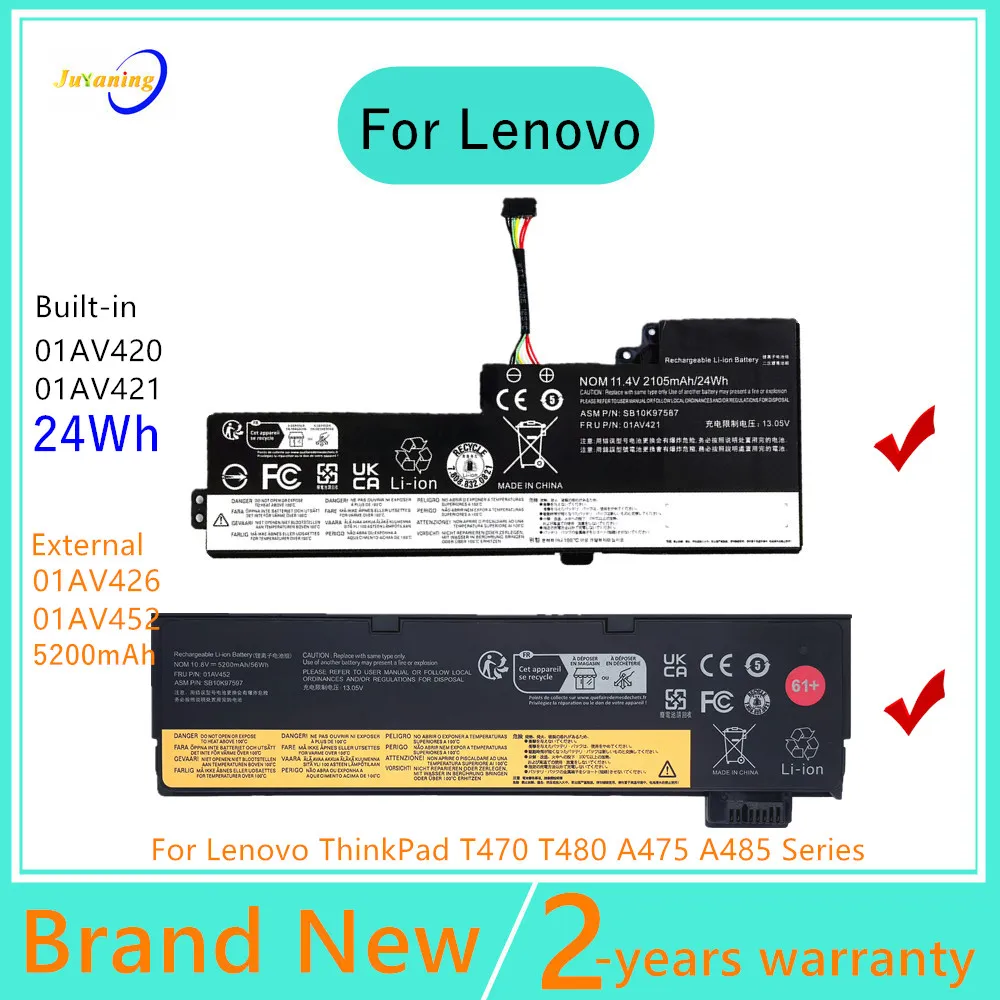
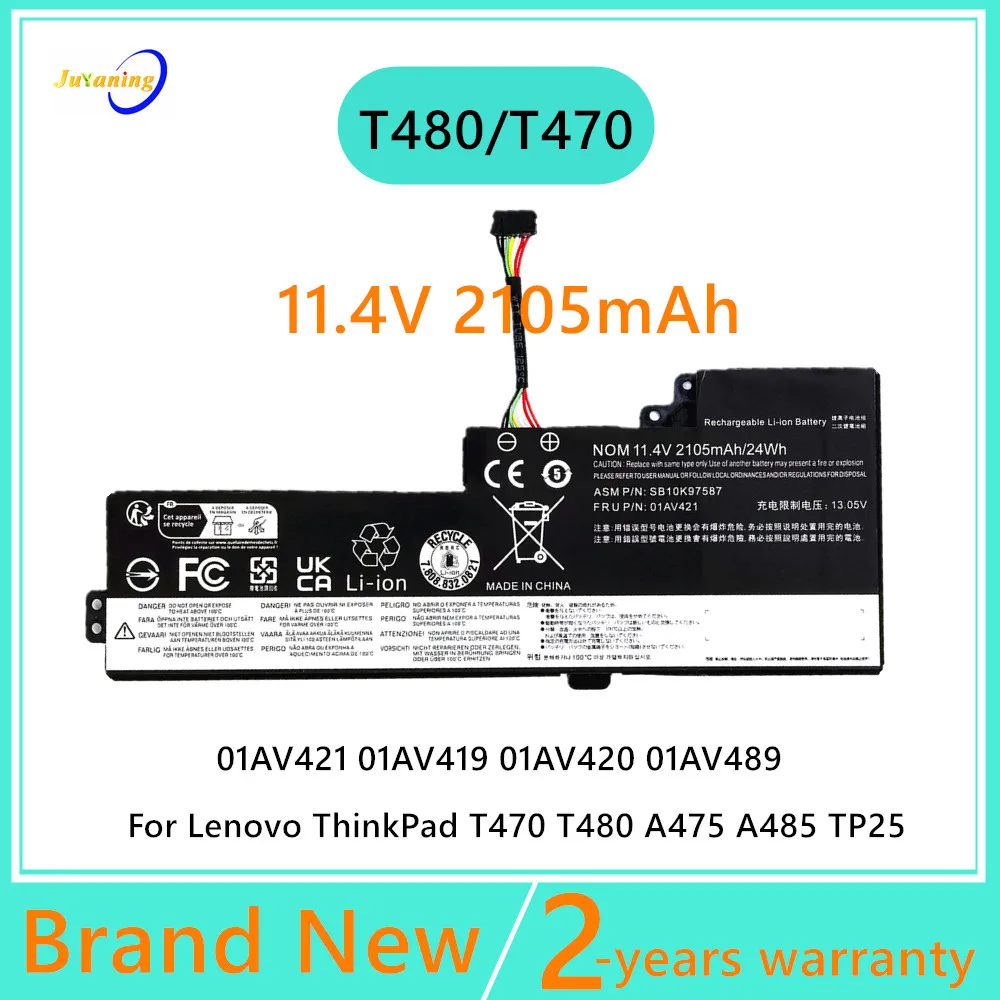
- Part Number: SK-01AV420-24WH
- Battery Cells: 3 Cells
- Package: Yes
- Model Number: 01AV420
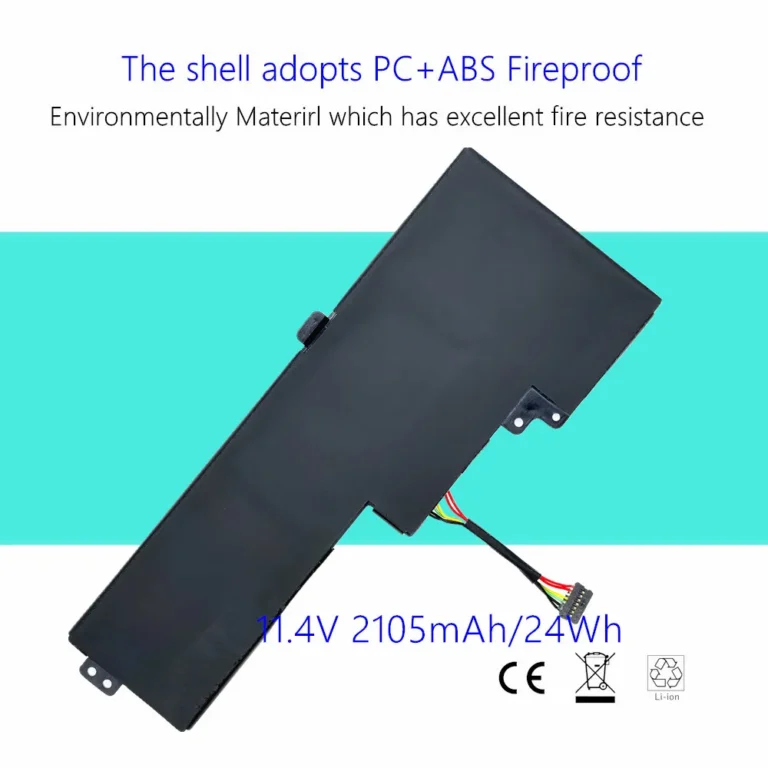
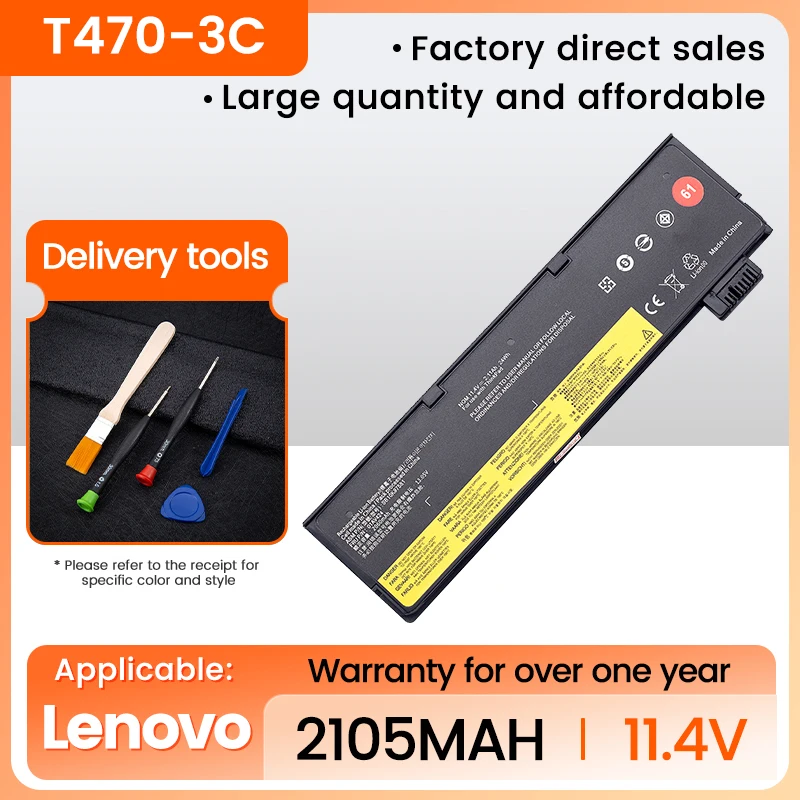
- Battery Voltage: 11.4V
- Compatible Brand: Lenovo
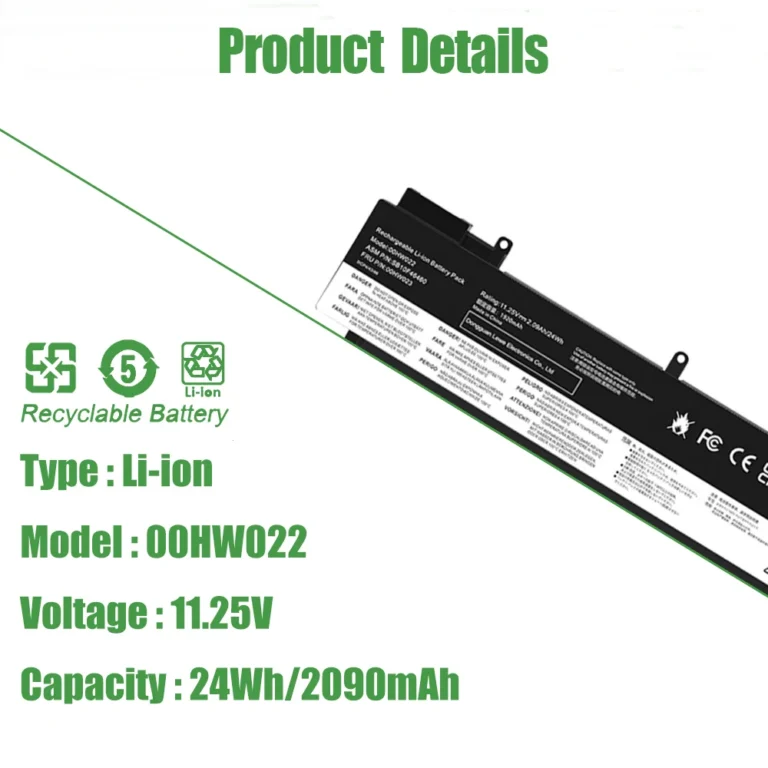
- Type: Li-Ion
- Brand Name: skower
- Origin: Mainland China
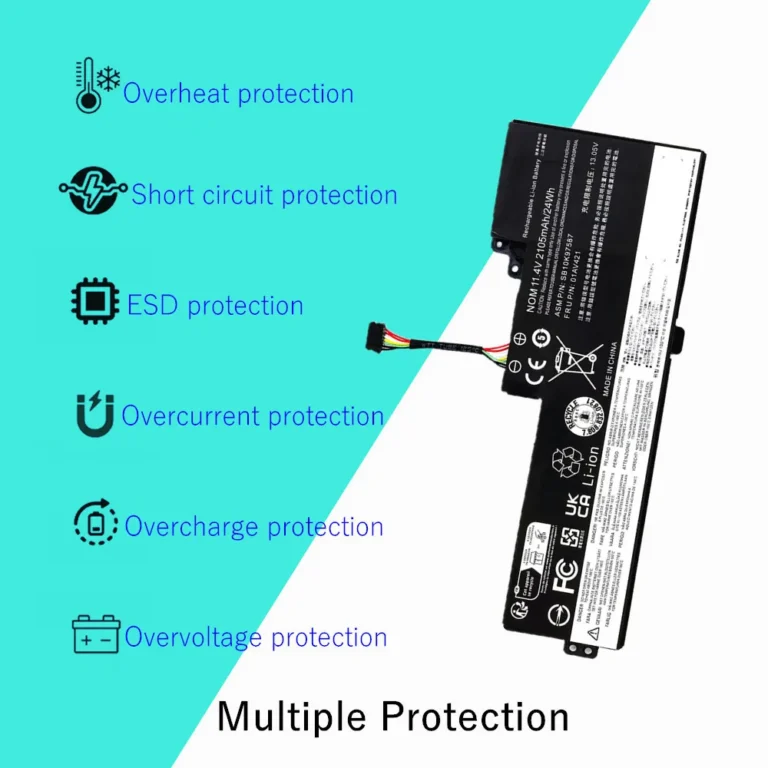
- Certification: CE,EPA,FCC,RoHS,TGA
- Series: Home
- Model: 01AV420
- Capacity: 2.1Ah/24Wh
- Voltage: 11.4V/11.46V/11.55V
- Replace Part Numbers: 01AV421 01AV419 01AV420 01AV489 SB10K97576 SB10K97577 SB10K97578
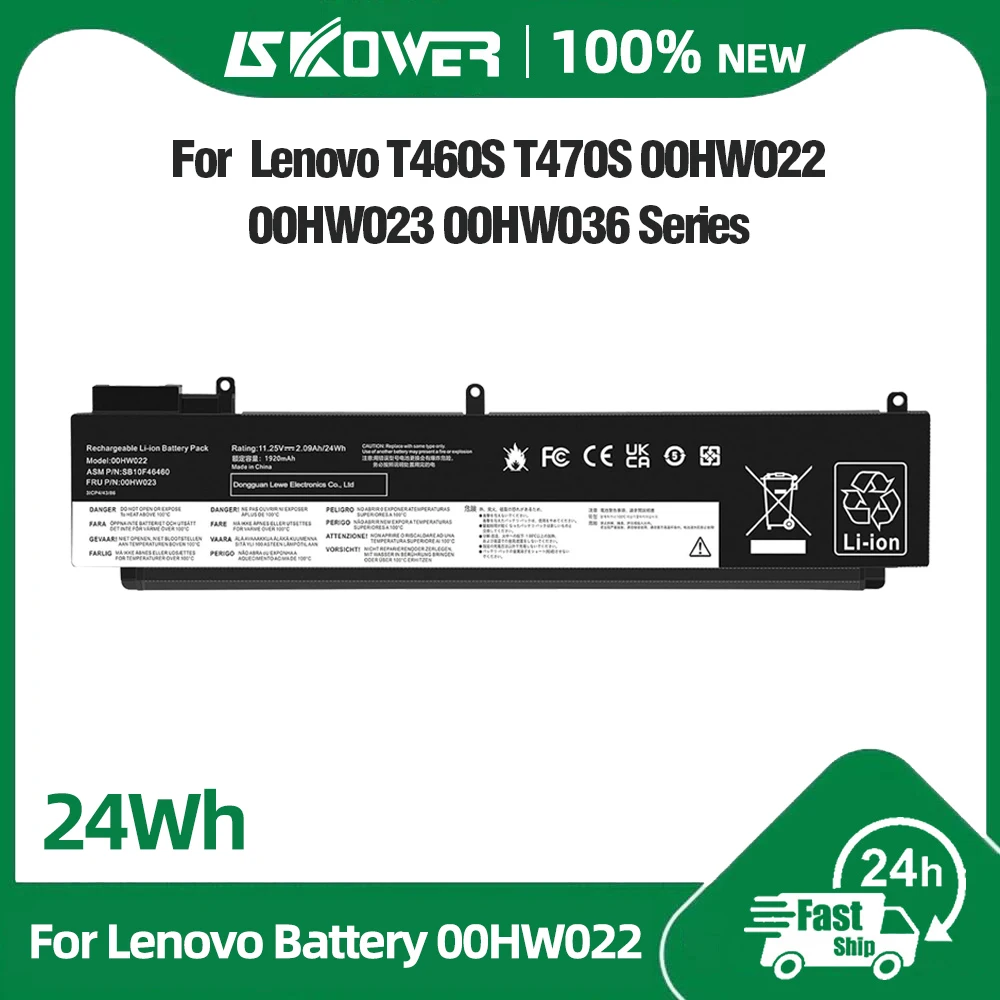
- Compatible Laptop Models: For Lenovo ThinkPad T480 Series: For Lenovo ThinkPad T480(20L5A00JCD), For Lenovo ThinkPad T480(20L5A01KCD), For Lenovo ThinkPad T480(20L5A00WCD), For Lenovo ThinkPad T480(20L5A054CD), For Lenovo ThinkPad T470 Series: For Lenovo ThinkPad T470(20HD002TCD), For Lenovo ThinkPad T470(20HDA003CD), For Lenovo ThinkPad T470(20HDA004CD), For Lenovo ThinkPad T470(20HDA01FCD). For Lenovo ThinkPad A485 Series: For Lenovo ThinkPad A475 Series: For Lenovo ThinkPad TP25 (Anniversary Edition 25) Series

Battery Specifications
Battery Model: 01AV421
Voltage: 11.4V
Capacity: 2.1Ah/24Wh
Battery type: Li-Polymer
Condition:100% Brand New(1 year warranty)
Replacement Battery Part Number:
01AV421 01AV419 01AV420 01AV489 SB10K97576 SB10K97577 SB10K97578
Compatible With Lenovo Laptop Models:
For Lenovo ThinkPad T480 Series
For Lenovo ThinkPad T480(20L5A00JCD)
For Lenovo ThinkPad T480(20L5A01KCD)
For Lenovo ThinkPad T480(20L5A00WCD)
For Lenovo ThinkPad T480(20L5A054CD)
For Lenovo ThinkPad T470 Series
For Lenovo ThinkPad T470(20HD002TCD)
For Lenovo ThinkPad T470(20HDA003CD)
For Lenovo ThinkPad T470(20HDA004CD)
For Lenovo ThinkPad T470(20HDA01FCD)
For Lenovo ThinkPad A485 Series
For Lenovo ThinkPad A475 Series
For Lenovo ThinkPad TP25 (Anniversary Edition 25) Series
Purchasing Note
Due to the complexity of laptop battery models, you may not be able to accurately determine the model you need to purchase,Please open the back cover of the laptop to confirm the original battery model number
Usage tips
If the new battery is not recognized during the initial installation, please reinstall and check if the interface is fully connected. Discharge the new battery to 5% (not 0%), then charge and cycle 3-4 times to wake up the new battery
Customer Service
24 x 7 chat support. If you have any problem with battery, please Contact us, thanks!